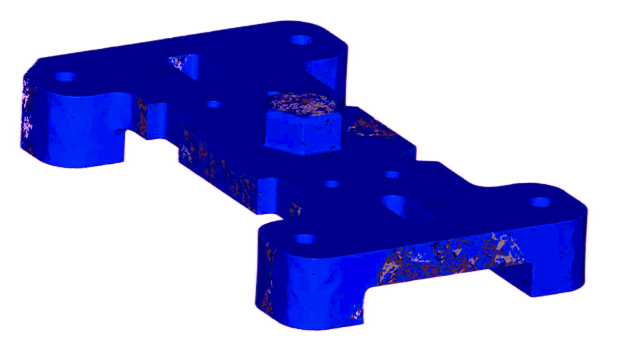
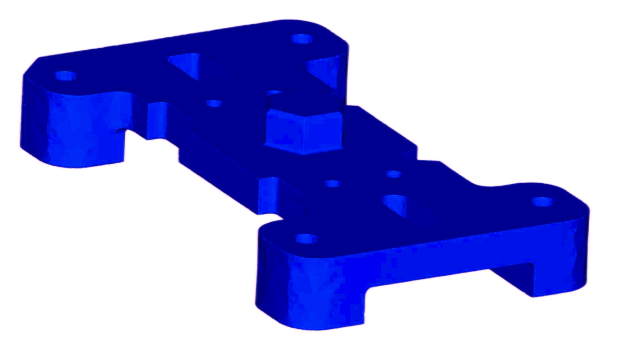

Inspect for 3D printing issues
Use MeshInspector tool to quickly analyze files for potential issues and identify areas that might cause manufacturing problems.
Inspect mesh for Degenerate Faces, Self-Intersections, Short and Multiple Edges, Overhangs, Big Holes and Thin Walls.
Fix your model with one of the best triangulation algorithms.

Heal your Mesh from inconsistencies
When you import an STL or OBJ file, application makes sure that the model geometry is perfectly manifold, all automatically, while keeping textures.
Fill or Stitch Holes, Fix Tunnels or Undercuts, etc.
Activate Mesh Healer tool to make the surface watertight and ready for 3D printing. That’s as simple as it is!
Ensure that your model free from errors and ready for manufacturing without defects.

Brush up your model before printing
- Move and rotate, scale and merge your objects.
- Engrave or Emboss Text on Mesh.
- Perform operations like Boolean, Decimation, Subdivide, Re-mesh and etc.
Make you Mesh look nice with ease!
FAQ
MeshInspector is entirely cross-platform and accessible on all devices through web browsers, as well as through desktop applications compatible with Windows, MacOS, and Linux.
Certainly, you can accomplish that using a mobile web browser. Nevertheless, for the best user experience, we recommend downloading the desktop version after signing up.
Yes. We take data security seriously. Files opened in MeshInspector’s web version are stored in the browser’s memory, while the desktop app stores them in your computer’s memory.
Yes, we offer a free trial without expiration date so you can take your time to explore the application’s features. For pricing details and subscription options, please visit our pricing page.
Yes, our application supports importing and exporting 3D models, making it easy to integrate with other software in your workflow.
Our application is designed to be user-friendly for both beginners and experts. You can get started with basic functions and gradually explore more advanced features as you become comfortable.