From scan to production, in one app
One app for meshes, point clouds, CT data and toolpaths, in your browser and on your desktop. Each stage below shows its main tools, the plan that includes them and a guide to each.
CommunityMakersProfessionalshow the plan that includes each tool.
Every new account gets a 30-day trial of all Professional tools, no credit card.
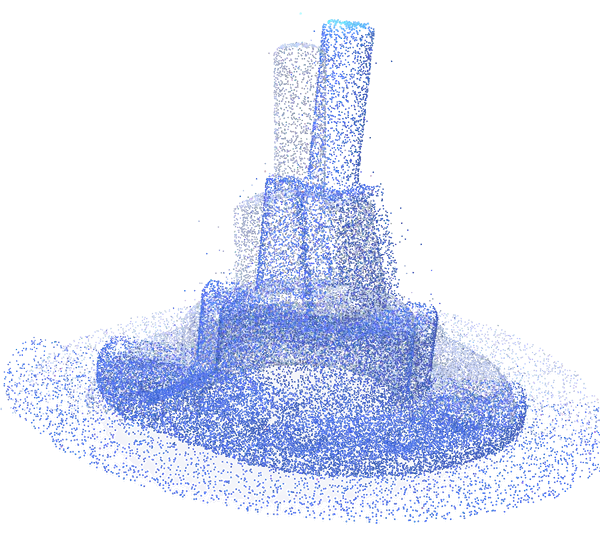
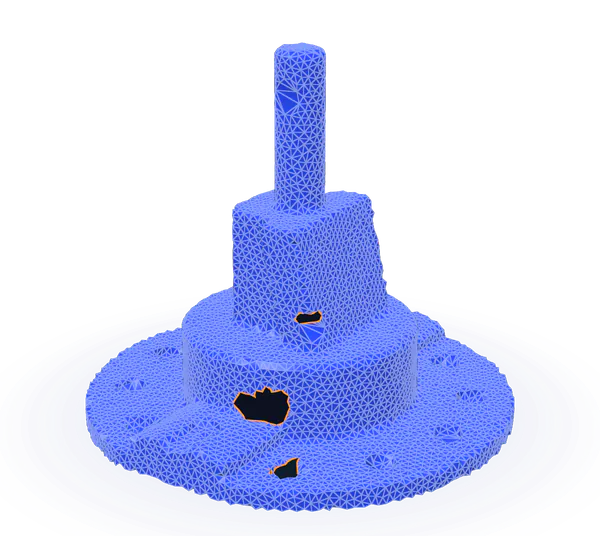
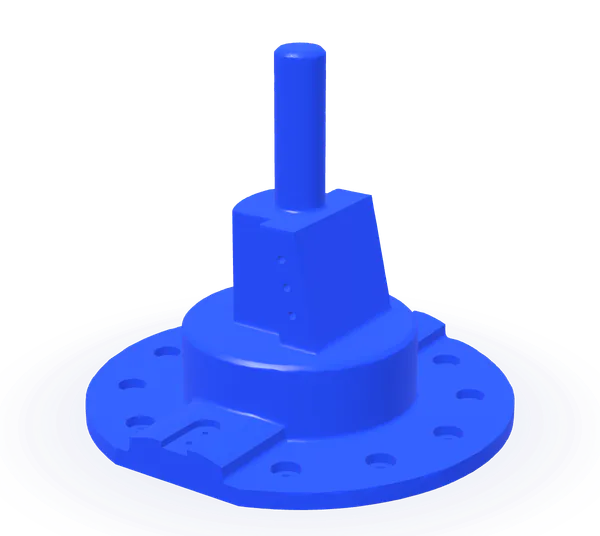
Open any 3D data
Meshes, point clouds, CT and MRI stacks, CAD files and G-code open in one app.


- Meshes
- STL
- OBJ
- PLY
- 3MF
- OFF
- CTM
- glTF
- CAD
- STEP
- STP
- Point clouds
- E57
- LAS
- LAZ
- PTS
- XYZ
- ASC
- CT and MRI
- DICOM
- TIFF
- RAW
- VDB
- Toolpaths
- G-code
Clean up and align scans
Remove noise, thin out dense clouds and bring scans into one coordinate system, automatically or from points you pick.
 Reduce NoiseCommunity
 Sample PointsCommunity
 RegistrationCommunity
 Global RegistrationProfessional
 3-2-1 AlignProfessional
 Align ManuallyMakers
Loads from YouTube (Google) when you press Play
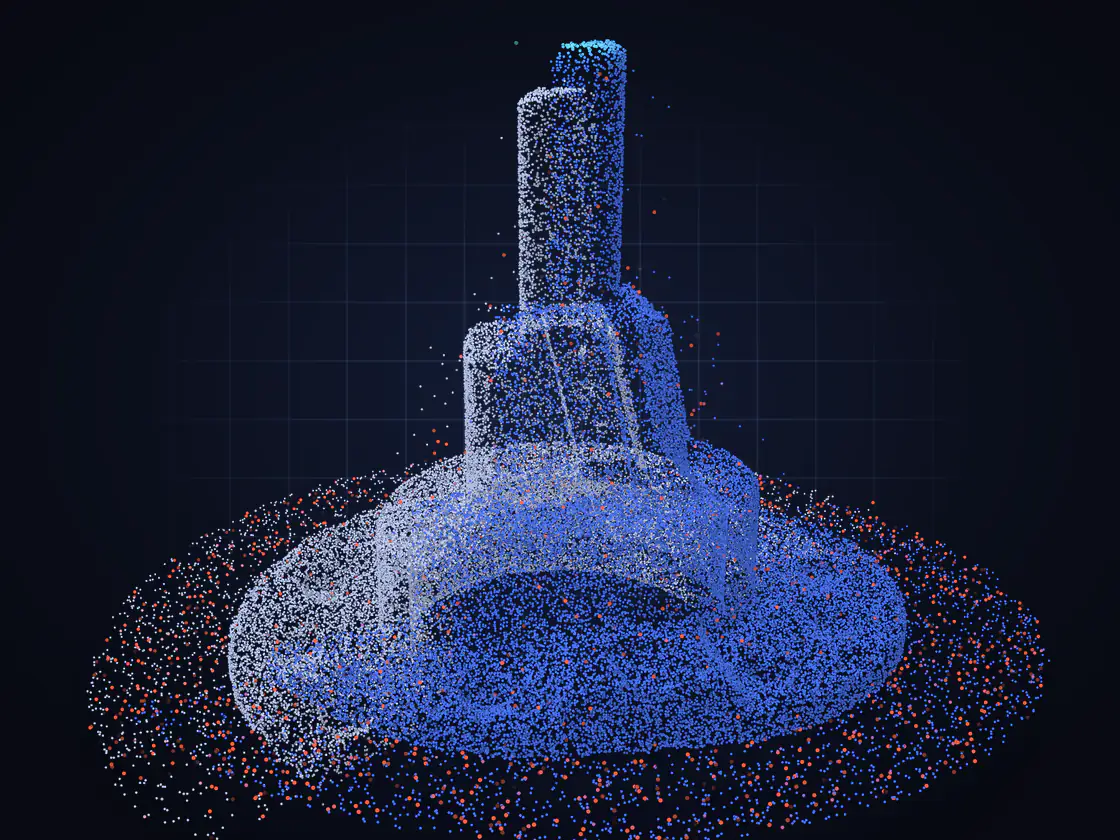
Turn scans and CT into meshes
Triangulate point clouds, fuse overlapping scans into one watertight surface and extract surfaces from CT and MRI.
 Points to MeshProfessional
 FusionProfessional
 Terrain to MeshProfessional
 Voxels SegmentationProfessional
 Voxels to MeshProfessional
New in 2.5.9: Alpha Shape, Shrink Wrap and ReWrap.
Loads from YouTube (Google) when you press Play
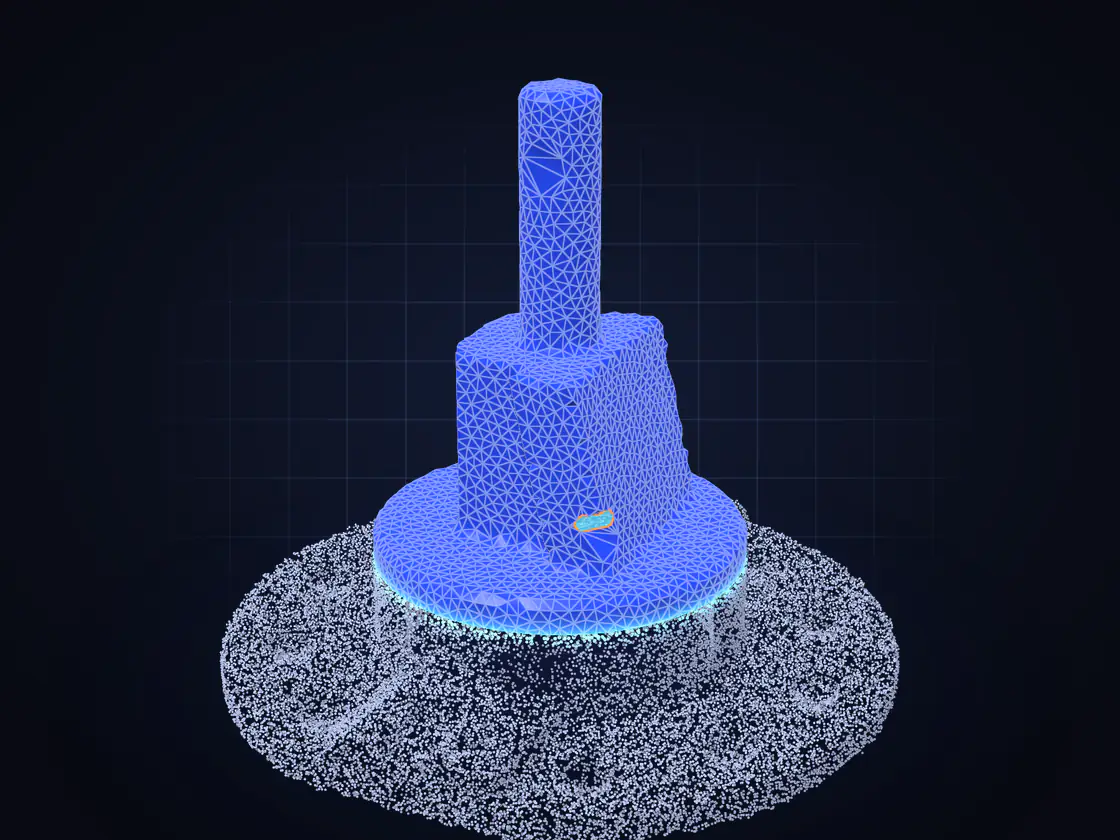
Repair any mesh
Close holes, fix tunnels and flipped normals, rebuild a broken model in one pass, then simplify it without losing its shape.


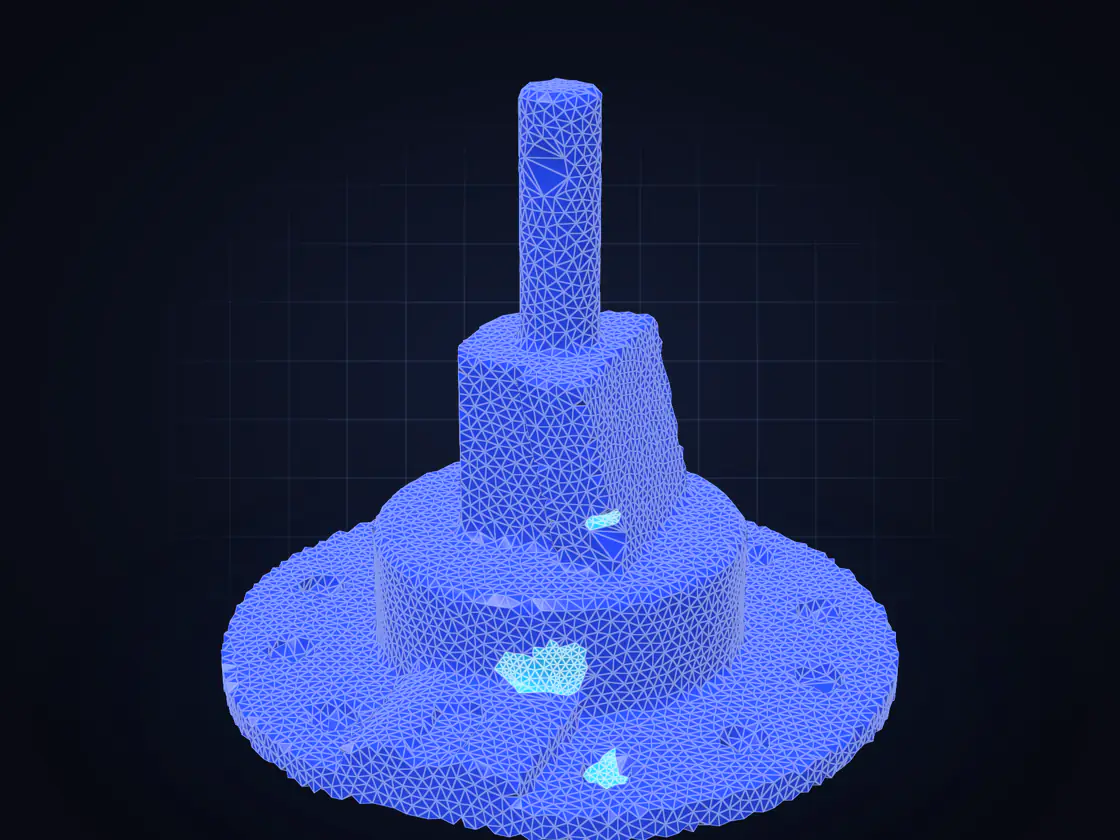
Model and edit
Booleans, offsets, shells and lattices, text on the surface, bases and clones for production parts and dental models.


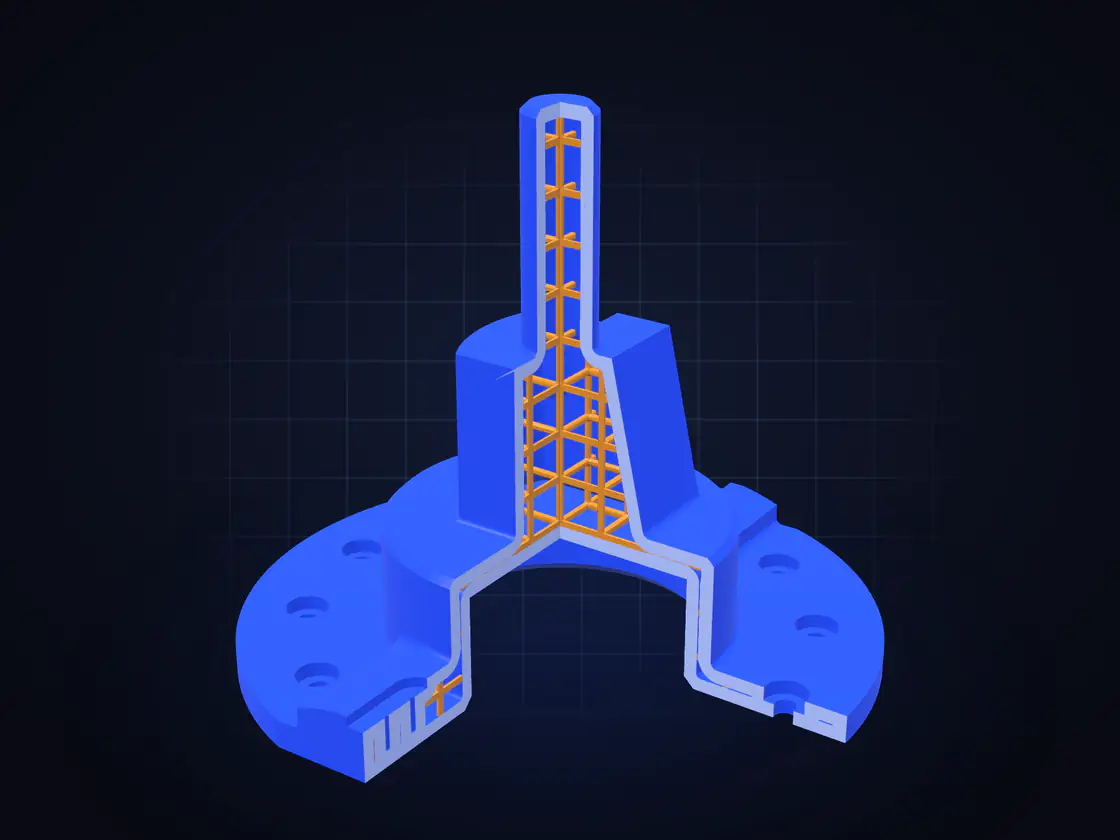
Measure and inspect
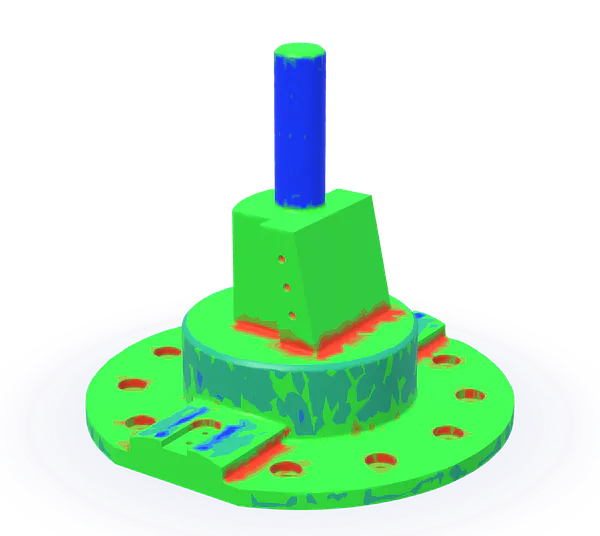
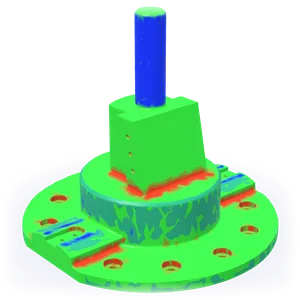
Compare a scan with its CAD in a color deviation map, fit features, check wall thickness and export a QC report.
 Measure DistanceCommunity
 SectionCommunity
 Measure ThicknessMakers
 Surface DistanceProfessional
 Measure FeaturesProfessional
 Quality Control ReportCommunity
Loads from YouTube (Google) when you press Play
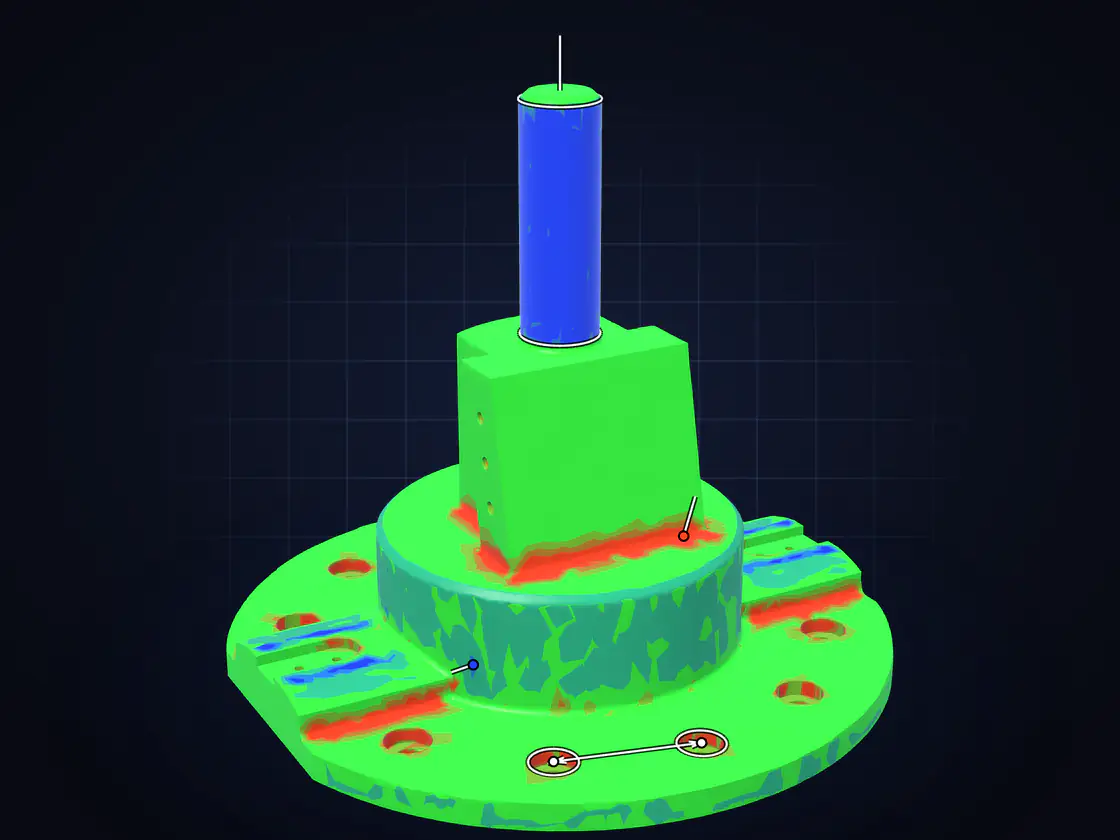
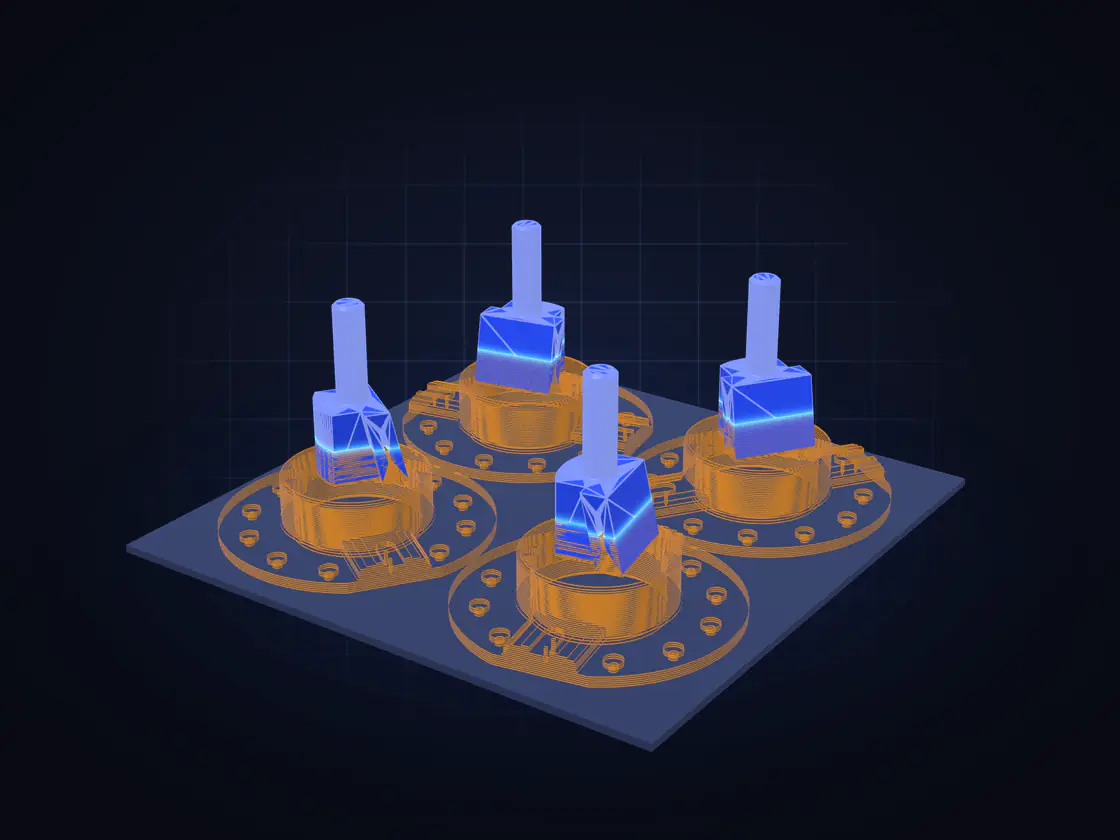
Prepare for printing and machining
Place and nest parts on the build plate, find overhangs, preview G-code and plan toolpaths.
 Place MeshMakers
 NestingProfessional
 Multi CloneCommunity
 Select OverhangsCommunity
 Z-CompensateCommunity
 G-code VisualizerCommunity
 ToolpathProfessional
Loads from YouTube (Google) when you press Play
Automate the routine
Script any tool in Python, or describe a job in plain words and let your AI assistant run it in MeshInspector over MCP, with a screenshot of every step.


Python and MCP run in the desktop app.
Repair every scan in /incoming, check it against the CAD and save the reports
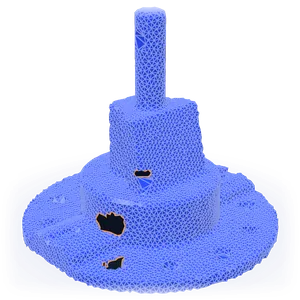 1Holes found
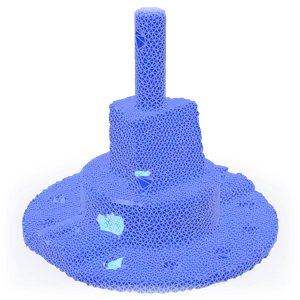 2Holes filled
 3Checked against CAD
