The Optimize tool, available under the Mesh Edit tab, is a valuable utility for improving an object’s internal data organization without altering its geometry. While it changes nothing in terms of appearance, component count, or overall structure, it compacts and reorders elements in memory to improve data locality and processing efficiency.

The core purpose of MeshInspector is to modify and process 3D objects. However, repeated editing operations, e.g., offsetting, Boolean operations, segmentation, etc., can lead to a less efficient internal data layout. Various elements may become scattered in memory. The Optimize tool reorganizes and compacts this internal representation.
What Happens Internally During Object Editing
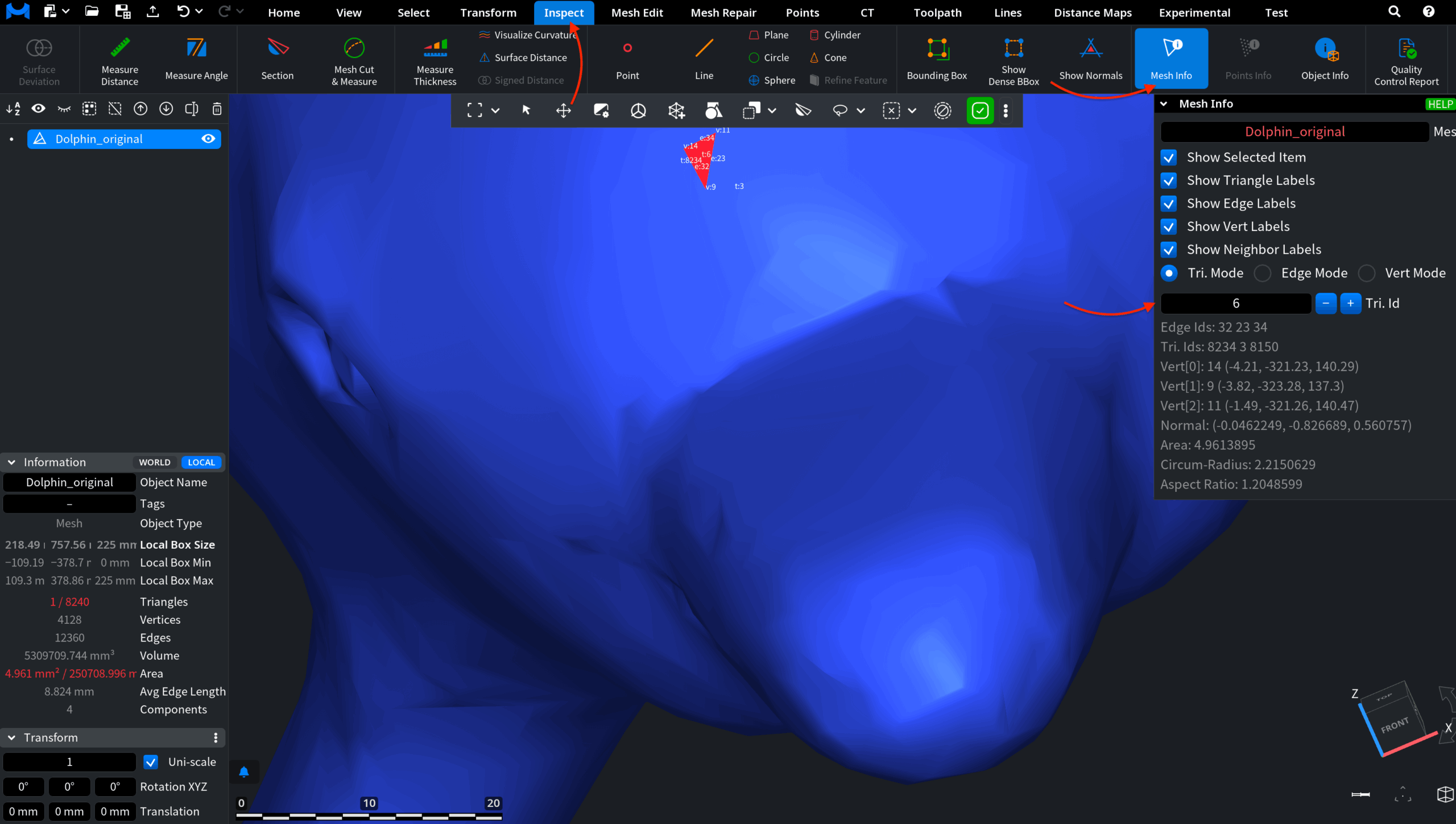
In this example, the original mesh is analyzed using Mesh Info under the Inspect tab. To demonstrate the internal data structure, we examine the triangle with ID 6.
Next, we apply an Offset operation using the settings shown below. Offsetting generates new geometry and increases mesh complexity. As a result, the object’s triangle and vertex counts grow significantly. After the operation, we once again inspect the triangle with ID 6. Notice that its parameters are now different. The edge IDs and vertex coordinates have changed. Our triangle represents a different portion of the reconstructed surface.
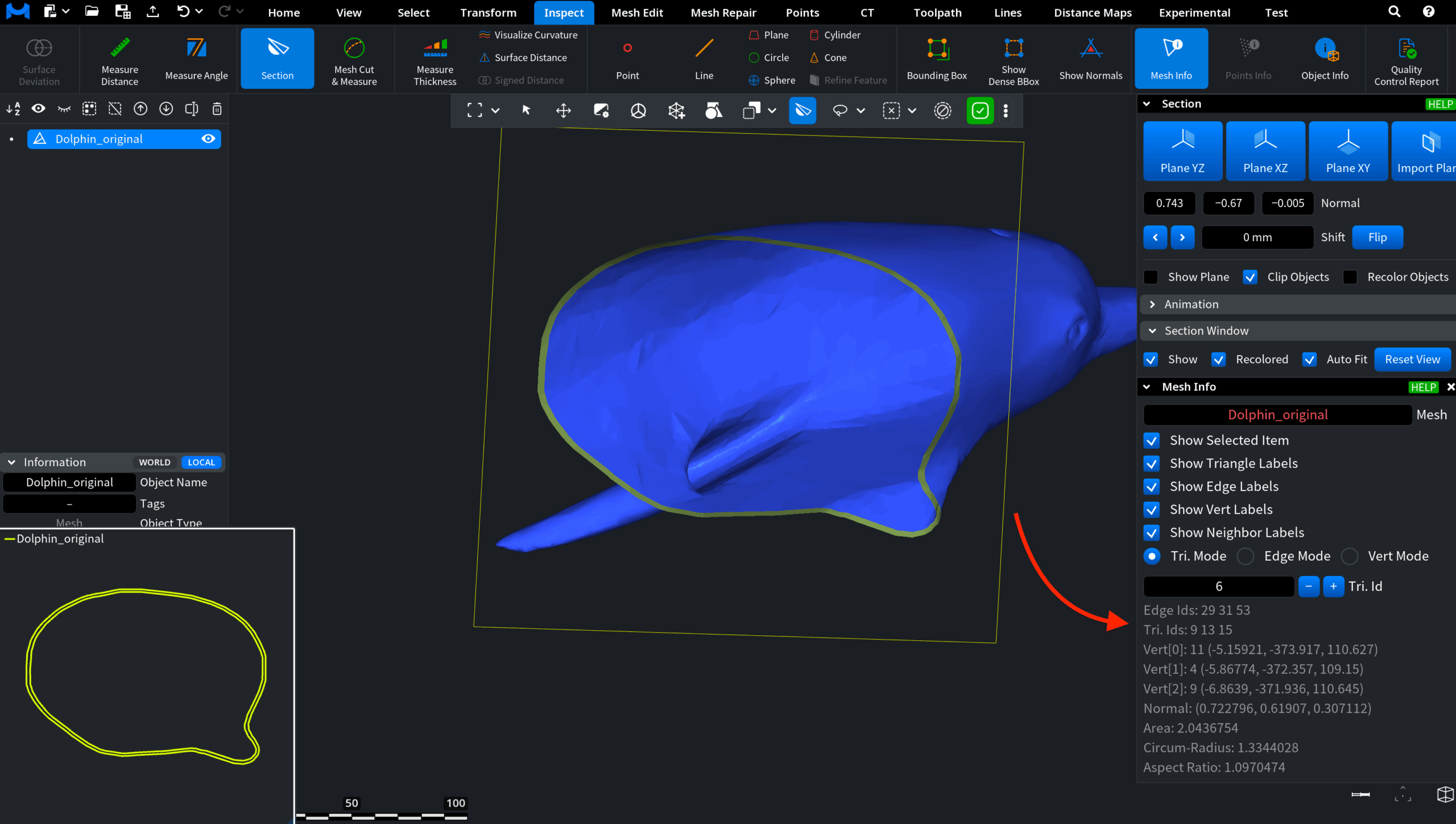
This is expected: offsetting modifies the geometry and rebuilds the mesh structure. In other words, editing operations such as Offset do not merely move existing elements. Instead, they create new ones and reorganize the mesh topology. During this process, the internal data layout is reconstructed and expanded.
Finally, we apply the Optimize tool. On the surface, the mesh appears unchanged.
The triangle count, vertex count, component count, surface area, and volume after offsetting remain exactly the same. No geometric modifications have occurred. However, when we examine the triangle parameters in the Mesh Info panel, we observe that the edge IDs and vertex coordinates associated with triangle ID 6 differ from those recorded before optimization. This indicates that the mesh elements have been internally reordered and reindexed.
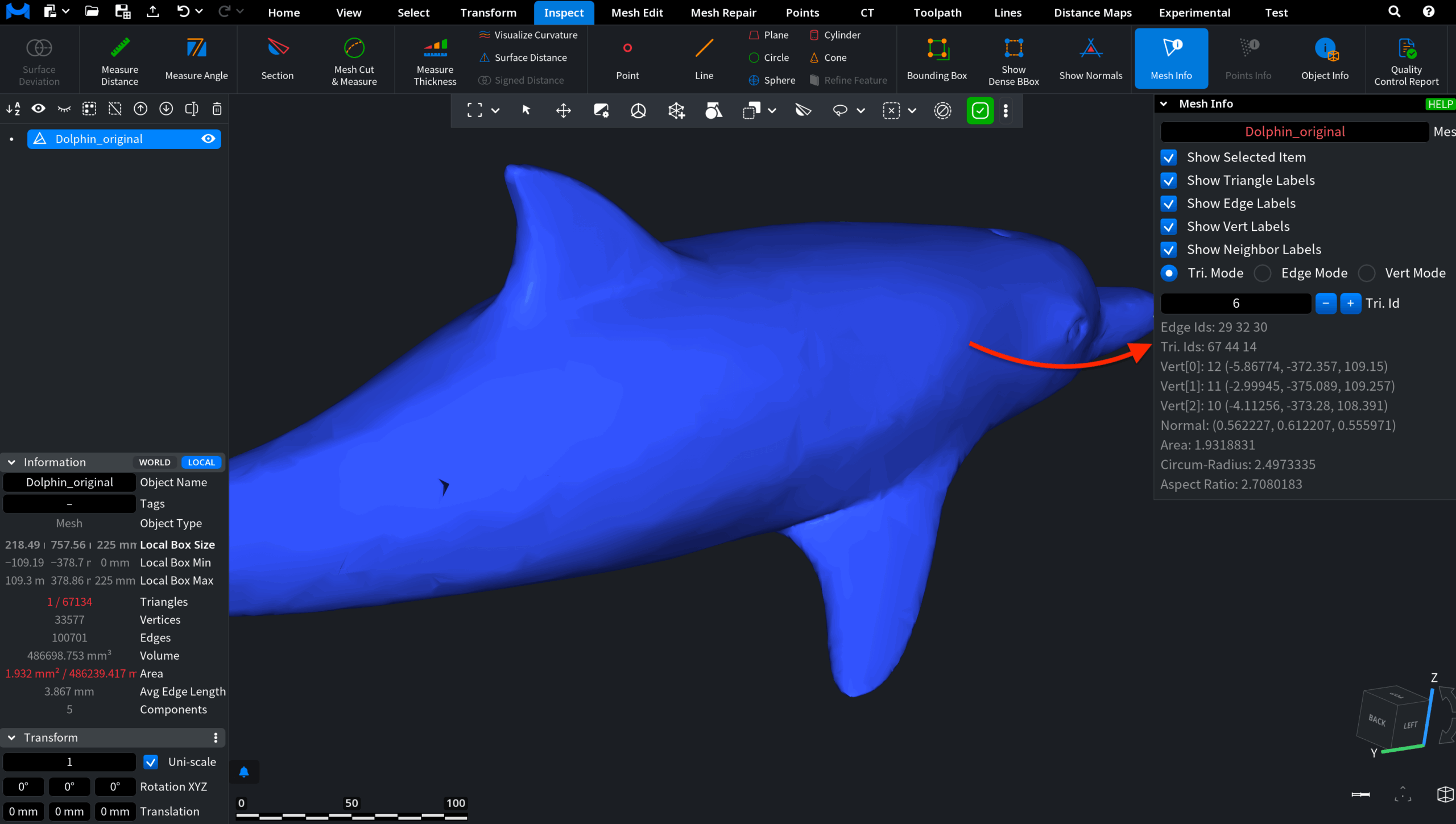
Instead, the internal storage has been compacted and reorganized in memory, which improves performance during rendering, analysis, and further complex operations.