The Fusion tool, located under the Points tab, creates an approximate object mesh from a point cloud with normals. Instead of following the point positions exactly, Fusion approximates and smooths the surface, which can help produce a cleaner mesh from noisy or uneven point-cloud data.

Fusion: Settings
Clicking Fusion opens a dedicated panel with the following settings and controls:
- Voxel Size sets the size of the cubic voxels used during reconstruction. Smaller voxels allow the tool to capture finer surface detail and generally produce a higher-quality result.
- Avg Influence Neighbours, available under Advanced, controls the average number of nearby points that influence the reconstructed surface. Higher values produce a smoother surface but increase processing time.
- Min Influence Neighbours, also under Advanced, sets the minimum amount of influence from surrounding points required for a triangle to be created. In practice, higher values require stronger support from points in close proximity before a surface is generated.
- Preserve Point Clouds keeps the original point cloud in the scene alongside the resulting mesh. If this option is disabled, the original point cloud is not preserved after fusion.
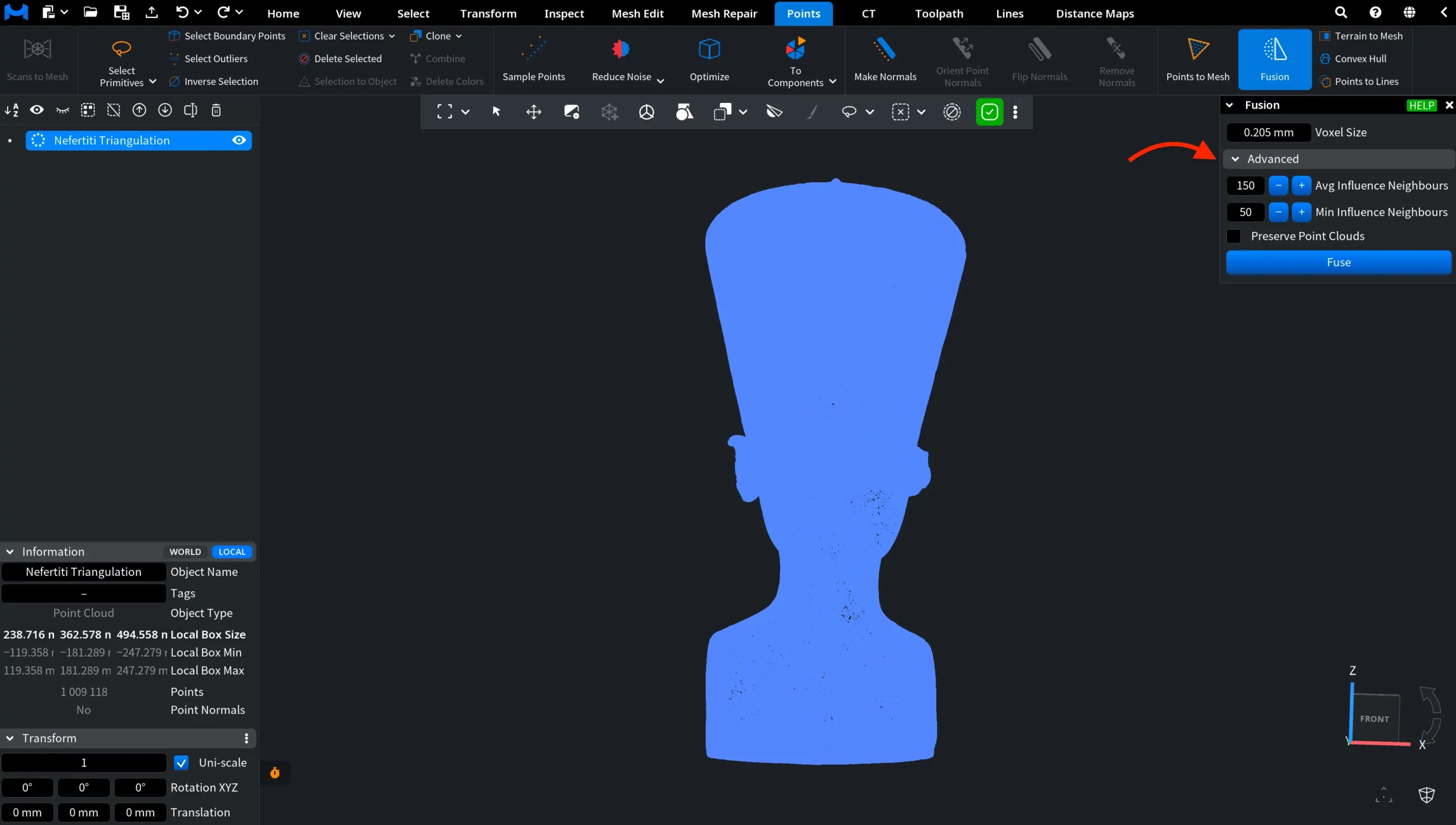
Finally, Fuse starts the reconstruction using the selected settings.
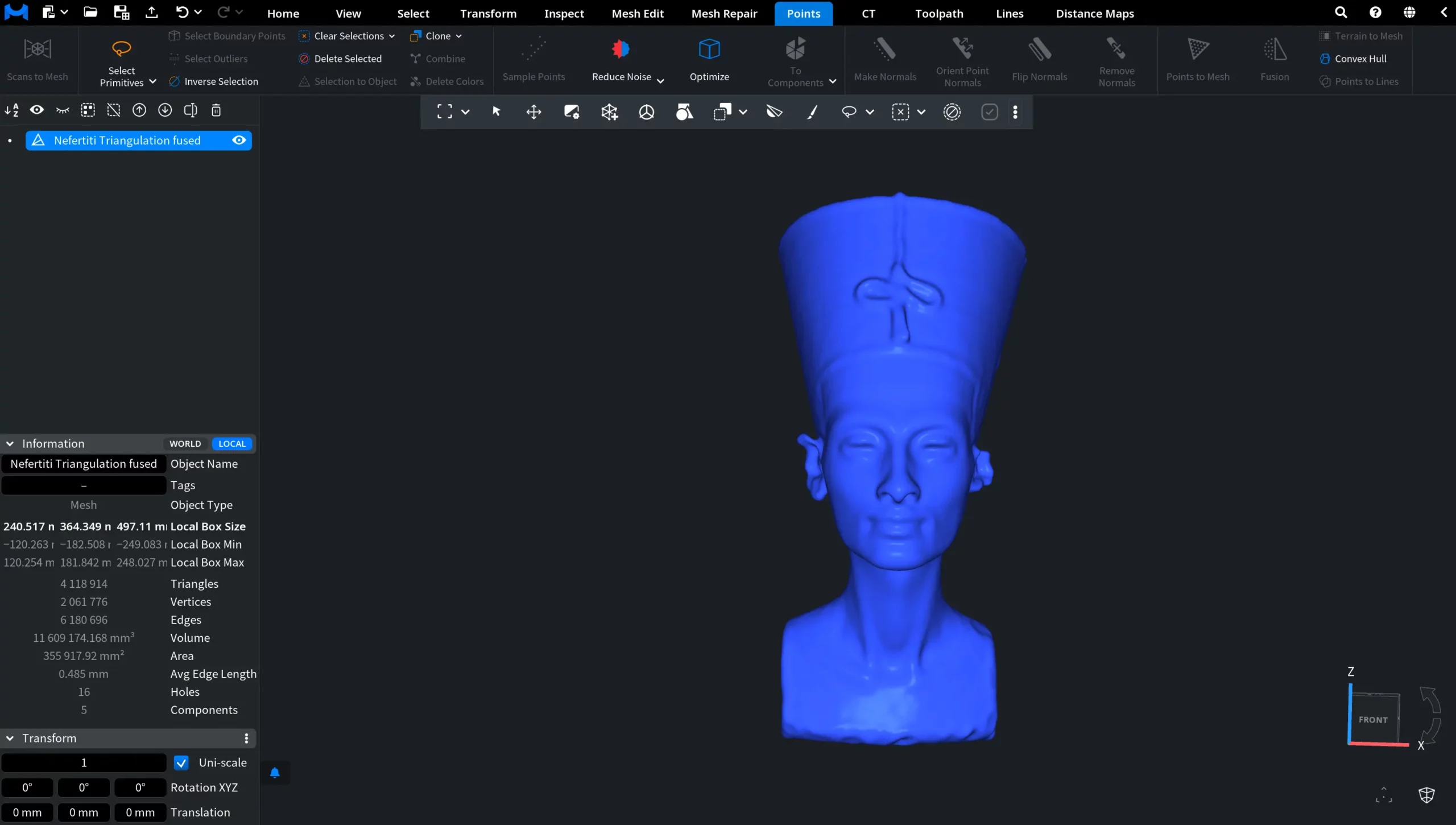
After clicking Fuse, MeshInspector generates a new mesh that approximates the shape of the original point cloud. The resulting surface is smoother and more continuous, which makes Fusion particularly useful for noisy or incomplete point-cloud data and for creating meshes that are easier to process and analyze further.
Guide to the Fusion Tool in MeshInspector