Understanding Voxel Data
Voxel data is a three-dimensional grid of small cubes, called voxels, that collectively represent an object or space in three dimensions. Think of it as a 3D version of pixels in a 2D image. Voxel data finds applications in various fields, including medical imaging with CT, MRI scans, geological modeling, and more.
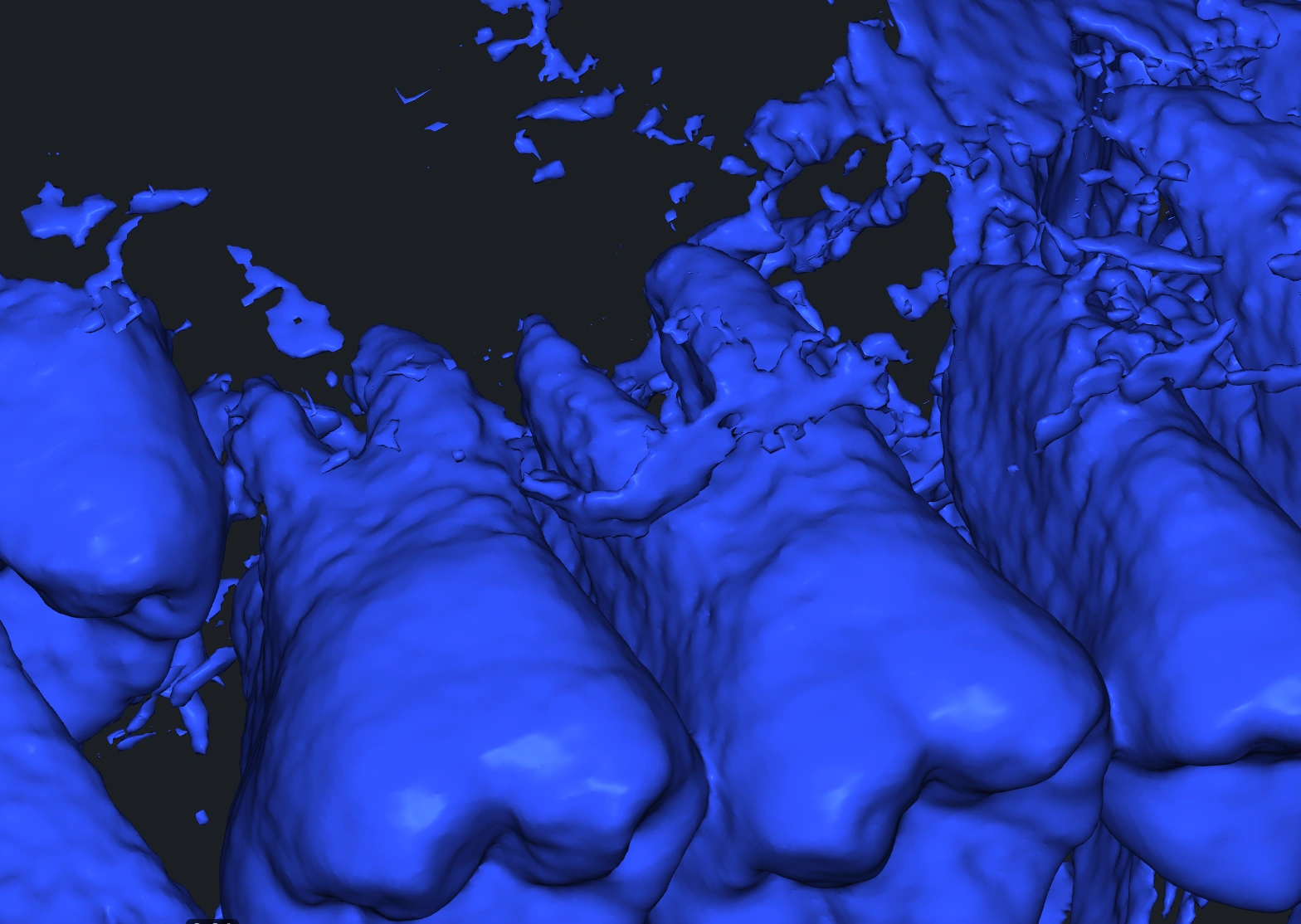
Navigating to the CT Tab
In the CT tab, you'll discover a set of tools tailored for working with voxel data, ranging from importing voxel files to advanced inspection, segmentation, and conversion to mesh.

Opening Voxel Files
- For DICOM files, simply choose the folder containing the files.
- For RAW and TIFF files, ensure to set the parameters accordingly for a seamless import process.

Exploring CT Tools
With voxel data, you can perform a multitude of tasks. These tools not only allow you to inspect voxel data with precision and accuracy but also prepare it for further usage, such as converting it into a 3D mesh for integration into other projects or applications.

FAQ
Q1: What is voxel data?
A: Voxel data is a three-dimensional grid of small cubes, called voxels, that collectively represent an object or space in three dimensions, similar to pixels in a 2D image.
Q2: How do I open voxel files in MeshInspector?
A: For DICOM files, choose the folder containing the files. For RAW and TIFF files, ensure to set the parameters accordingly for a seamless import process.
Q3: What can I do with voxel data in MeshInspector?
A: With voxel data, you can perform tasks such as inspection, segmentation, and conversion to a 3D mesh for further usage or integration into other projects.
If you have any questions, don't hesitate to explore our Help section or reach out to our support team.