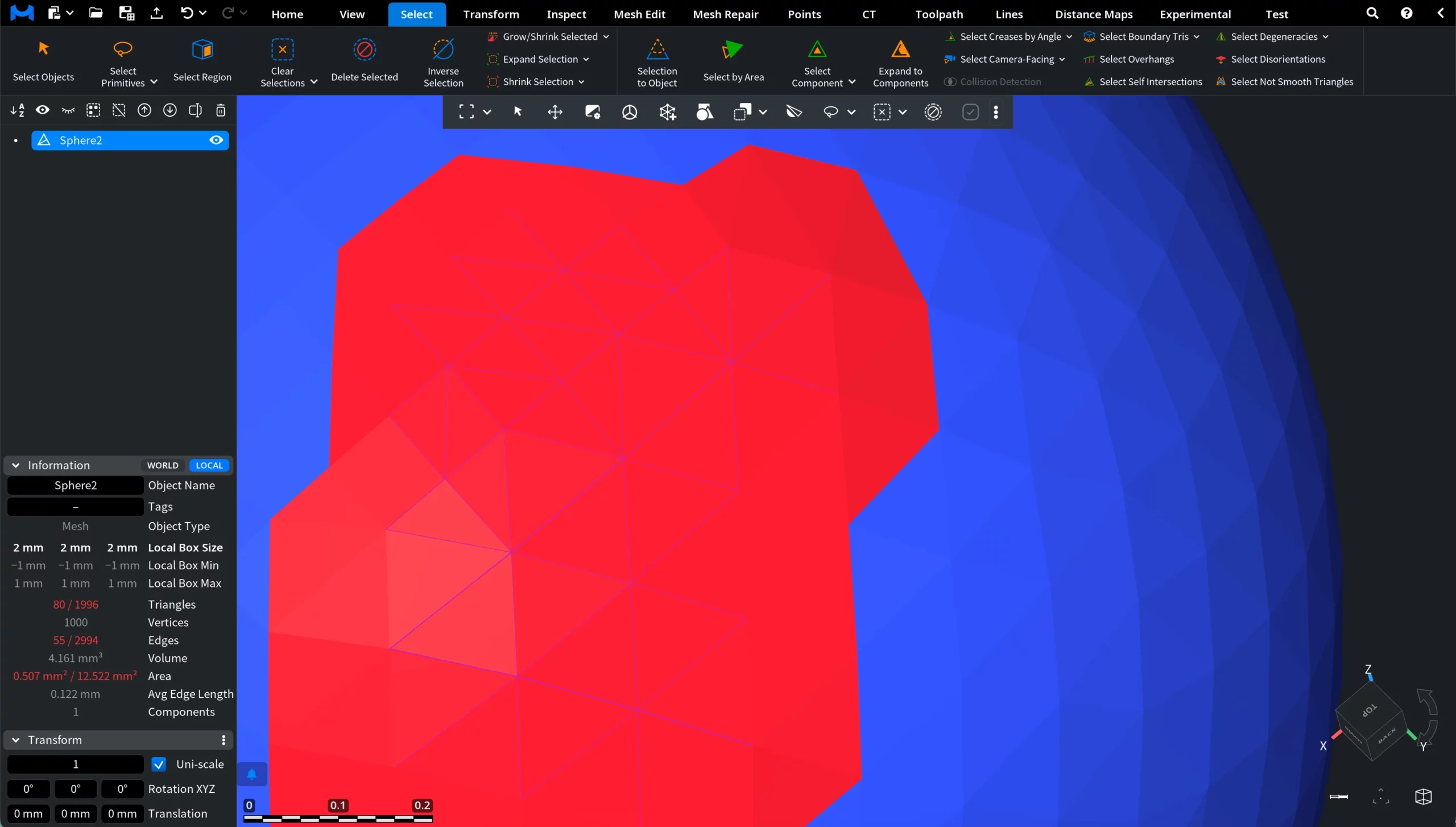
Under the Select tab, click the arrow next to Select Primitives and choose Select Incident Triangles. This tool selects all triangles incident to the currently selected edges.

This button becomes available only after you select the edges of interest. In the screenshot below, a set of edges has already been selected, which makes the Select Incident Triangles tool available for activation.
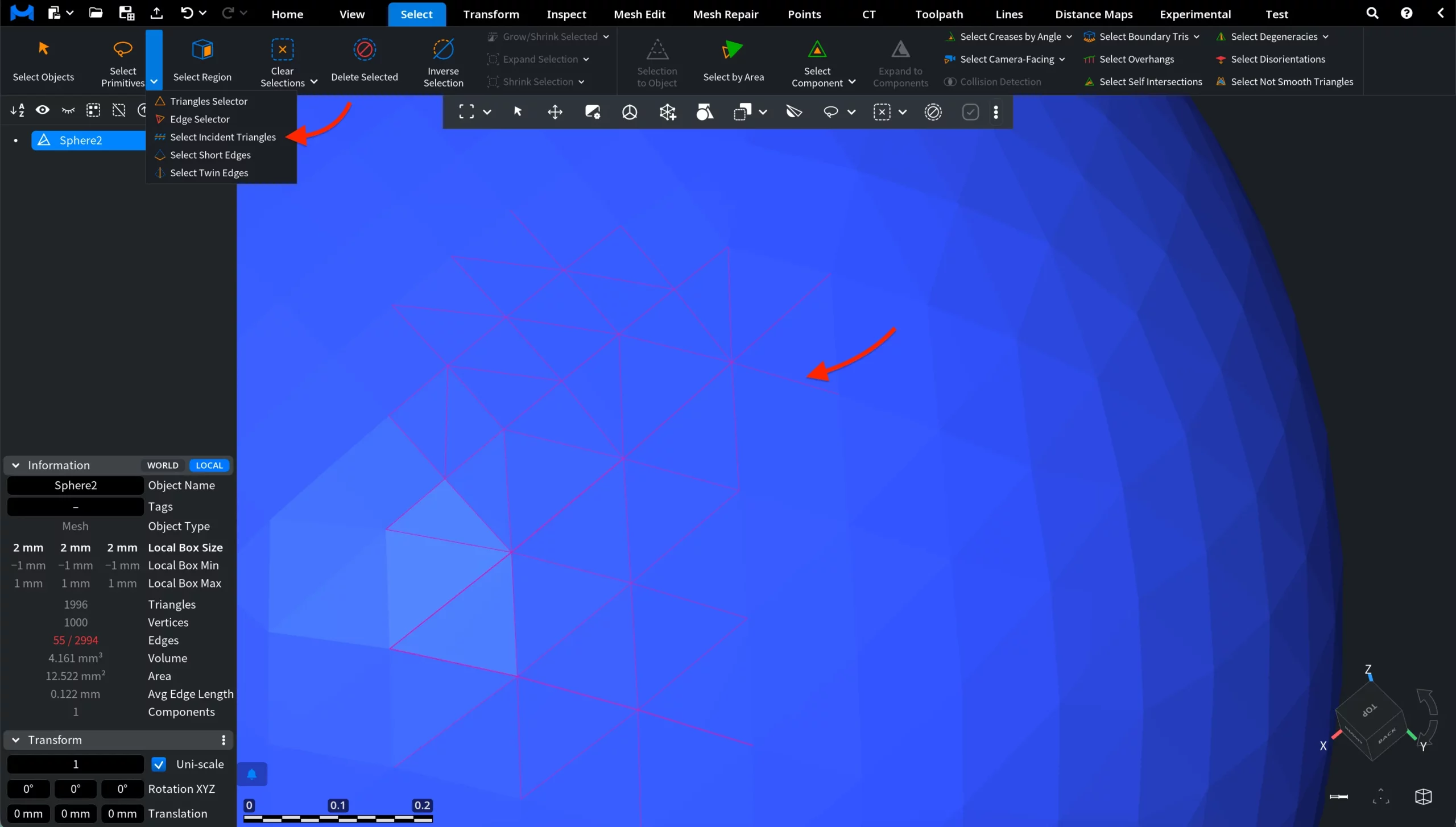
Once activated, Select Incident Triangles automatically selects all mesh triangles incident to the previously selected edges. This allows you to quickly convert an edge-based selection into the corresponding adjacent face selection.