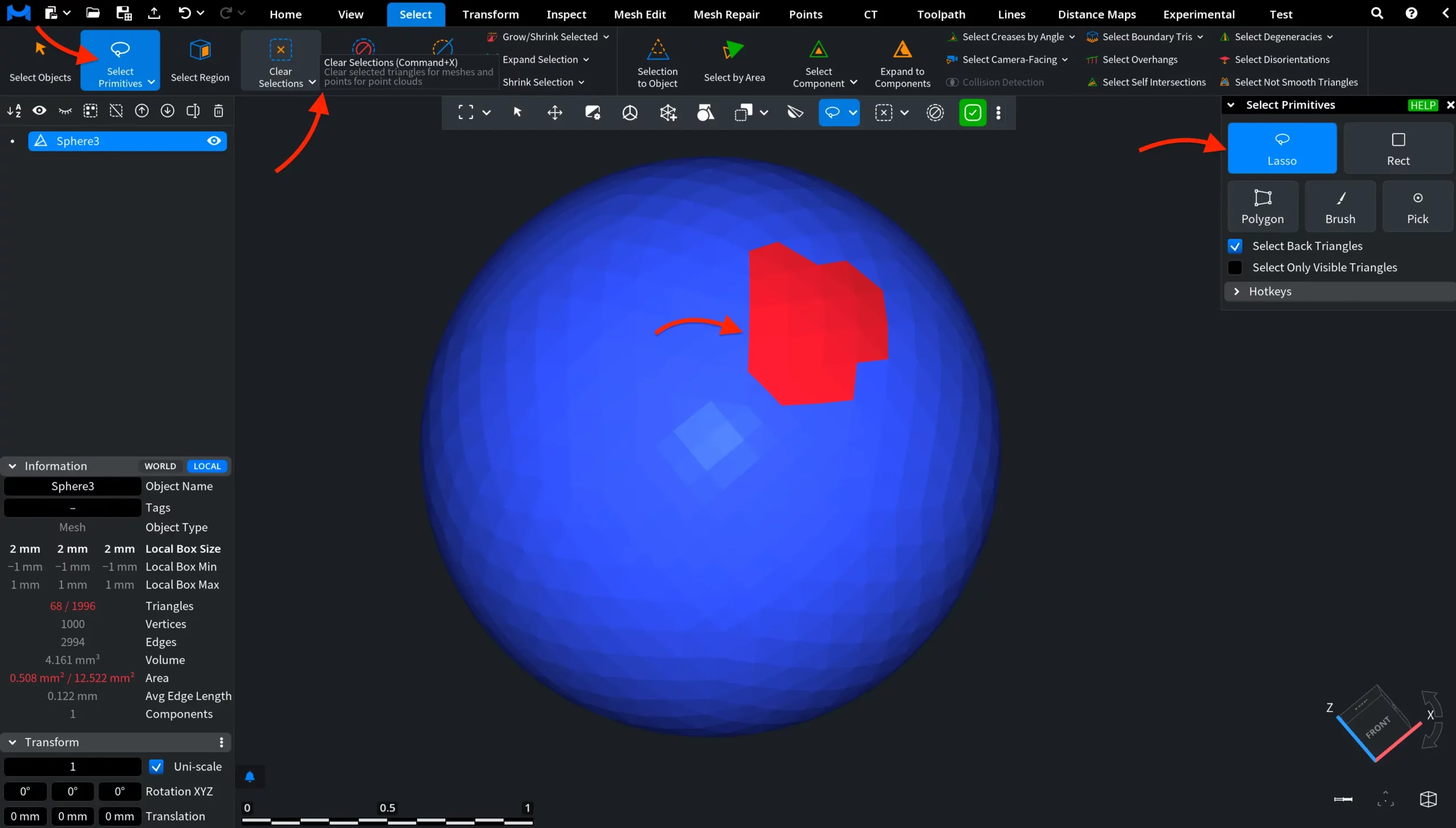
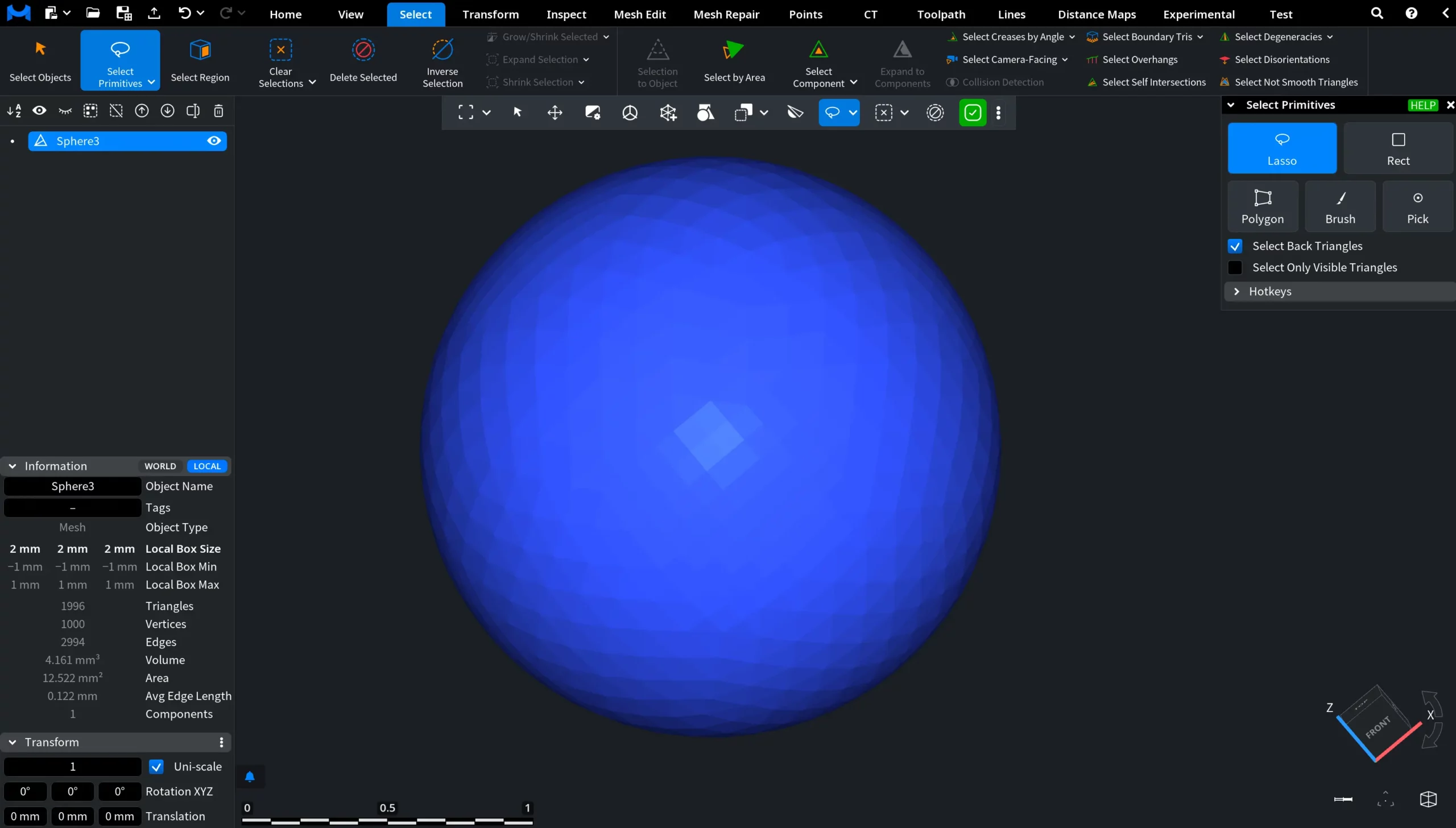
If you need to clear the current selection of triangles on a mesh or points on a point cloud, go to the Select tab and click Clear Selections.

For example, in the screenshot below the Select Primitives workflow is active, and a group of mesh triangles has already been selected with the Lasso mode. If this selection is no longer needed, click Clear Selections or press Command + X (Ctrl + X on Windows) to remove the current selection and return the mesh to its unselected state.