Clicking Expand Selected Edges, available from the dropdown next to Expand Selection, adds one additional adjacent layer of edges to the current edge selection.

Each use expands the selection by including edges directly adjacent to the currently selected ones. In the screenshot below, you can see a mesh with previously selected edges.
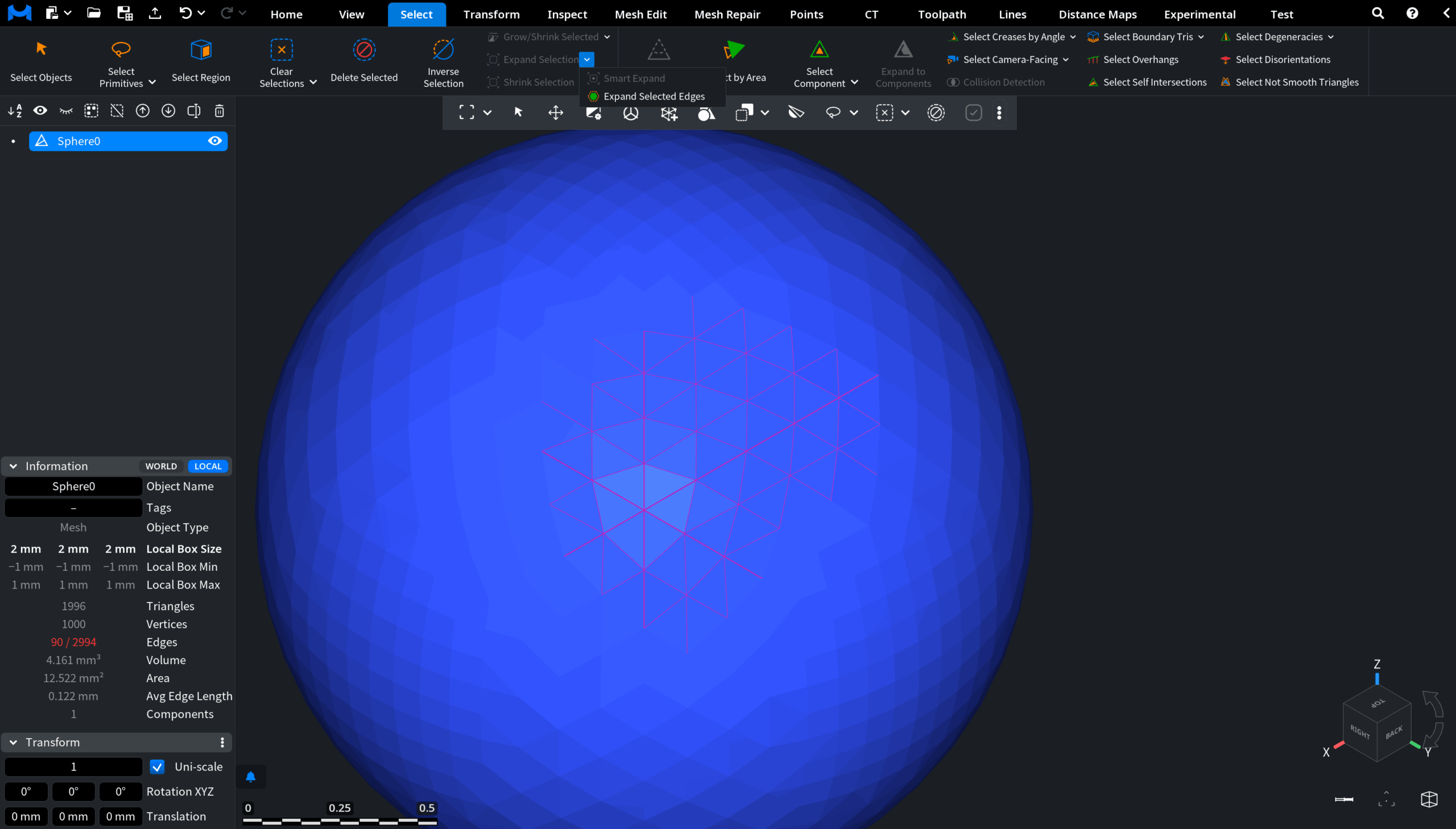
After Expand Selected Edges is applied, one surrounding layer of neighboring edges is automatically added to the selection.
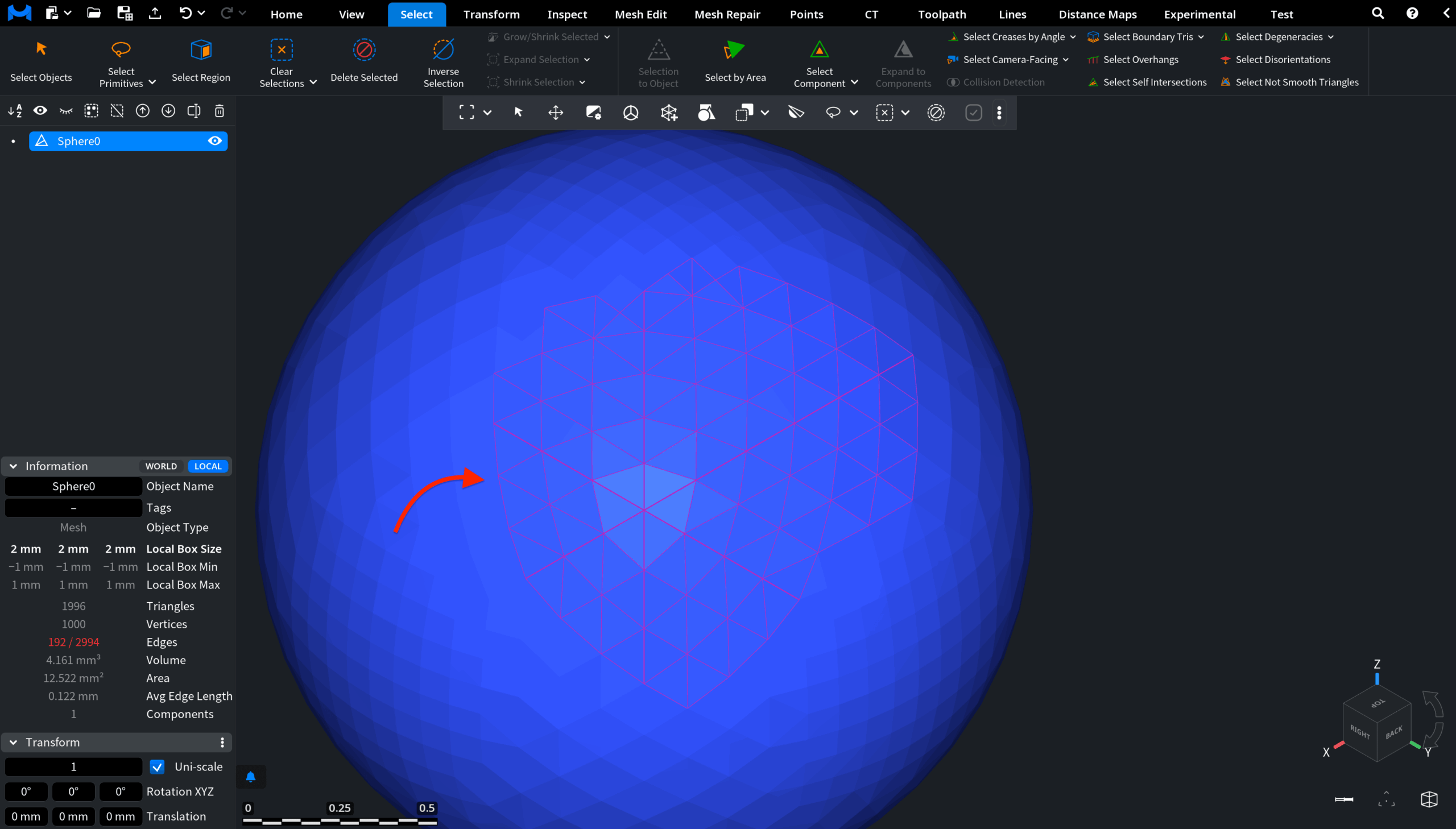
The Expand Selected Edges option applies only to edge selections and is useful when you need to gradually extend an edge-based selection along the mesh topology.