Expand to Components, located under the Select tab, expands the current triangle selection to entire connected mesh components. The tool analyzes the existing selection and automatically selects all triangles that belong to the same components as the currently selected regions.

This tool is useful when only part of a connected mesh component is selected and you need to quickly extend the selection to the full component. Connected components are determined based on mesh topology and component boundaries.
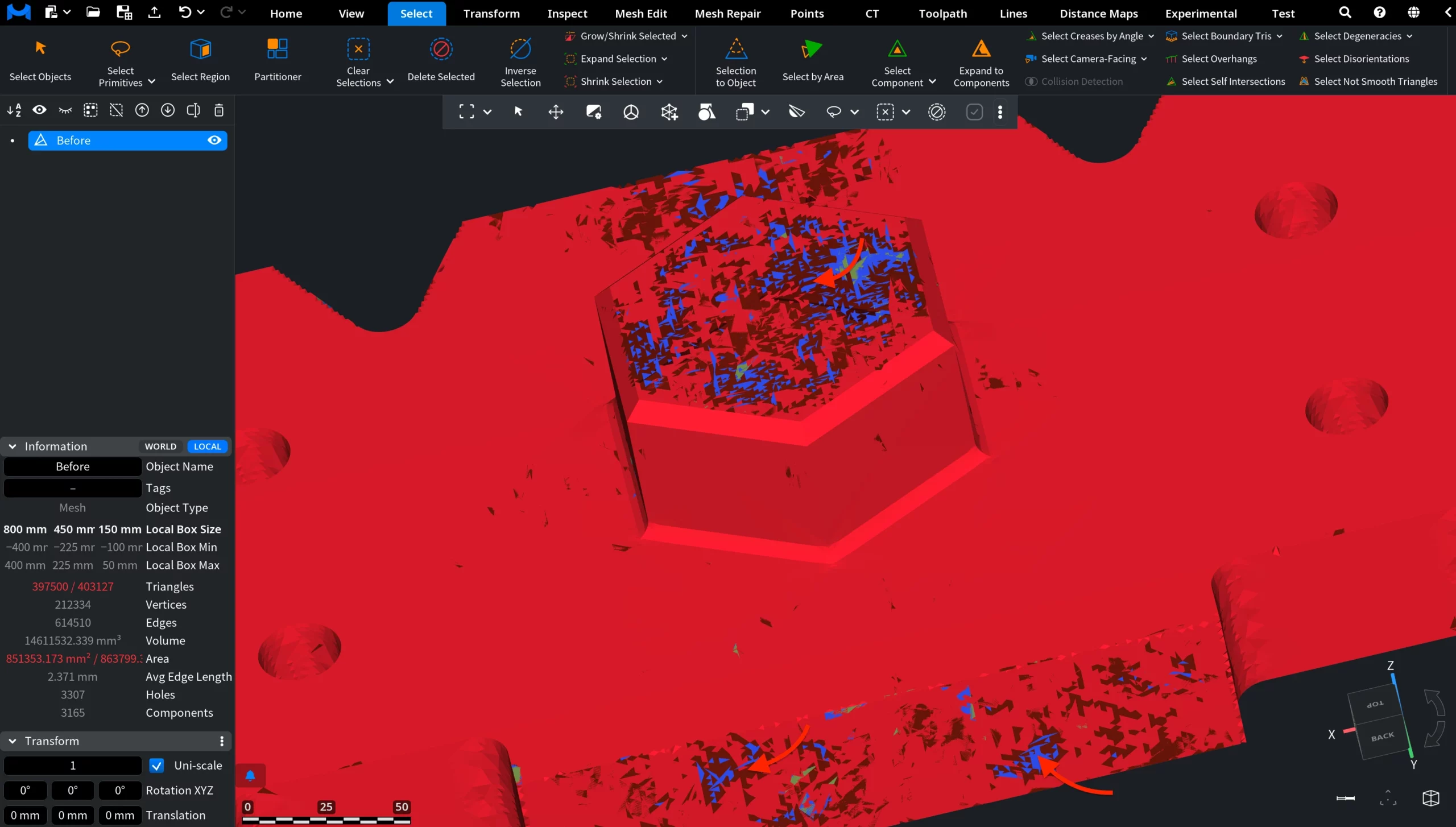
Expand to Components: Before
In this screenshot, the mesh contains multiple problematic regions and disconnected fragments. A small group of triangles has already been selected manually on one mesh region. The mesh is now ready for Expand to Components to extend the selection to the full connected component.
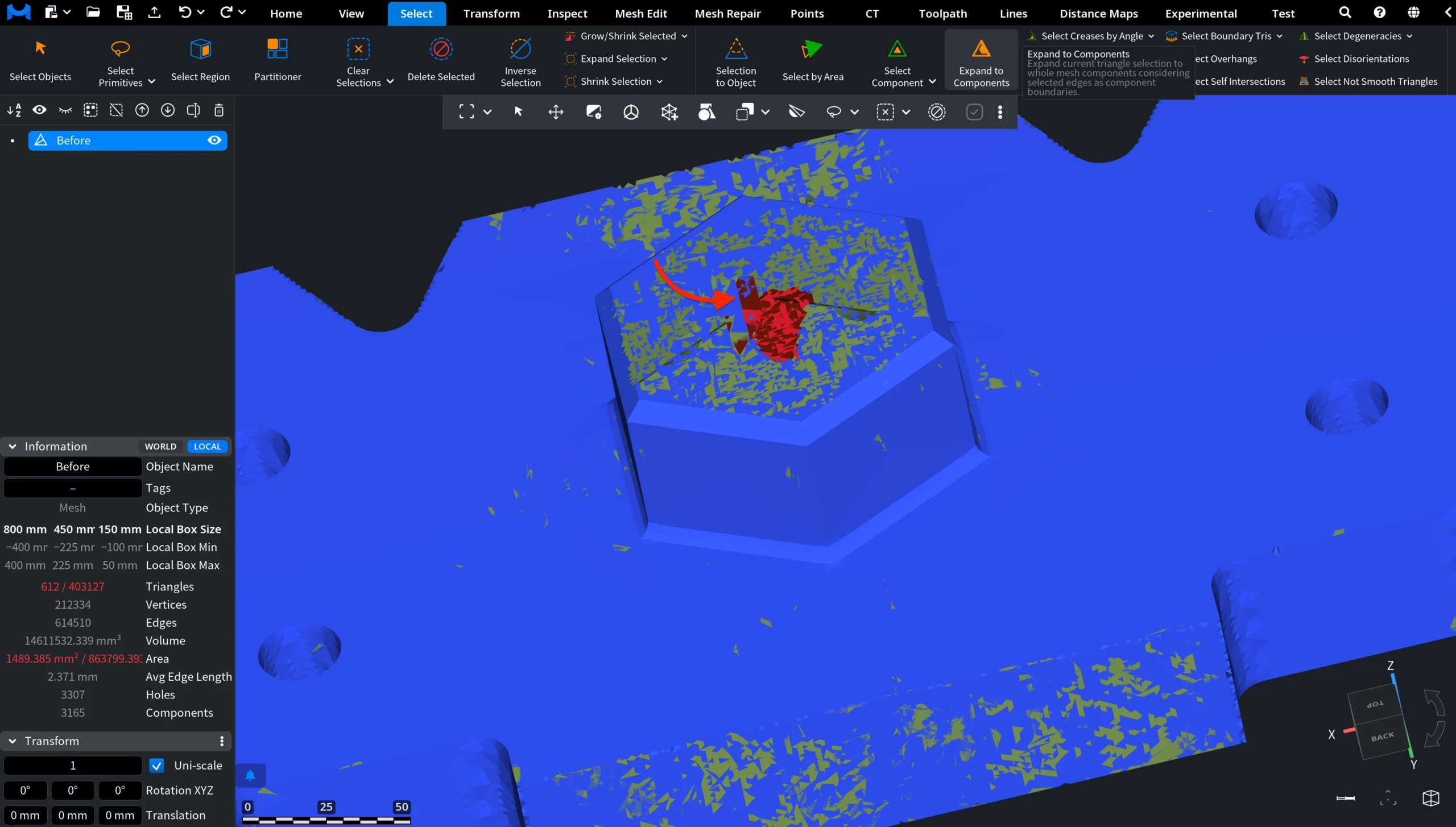
Expand to Components: After
In this screenshot, Expand to Components has been applied. The initial triangle selection was automatically expanded to the entire connected mesh component, which is now highlighted in red. Other disconnected fragments remain unselected.