Clicking Select Creases by Angle, located under the Select tab, automatically detects and selects creased edges based on the angle deviation between adjacent triangles. This helps identify sharp features, ridges, and geometric discontinuities on a mesh.

When activated, the tool opens a dedicated settings panel where you can adjust parameters that control crease detection and filtering.
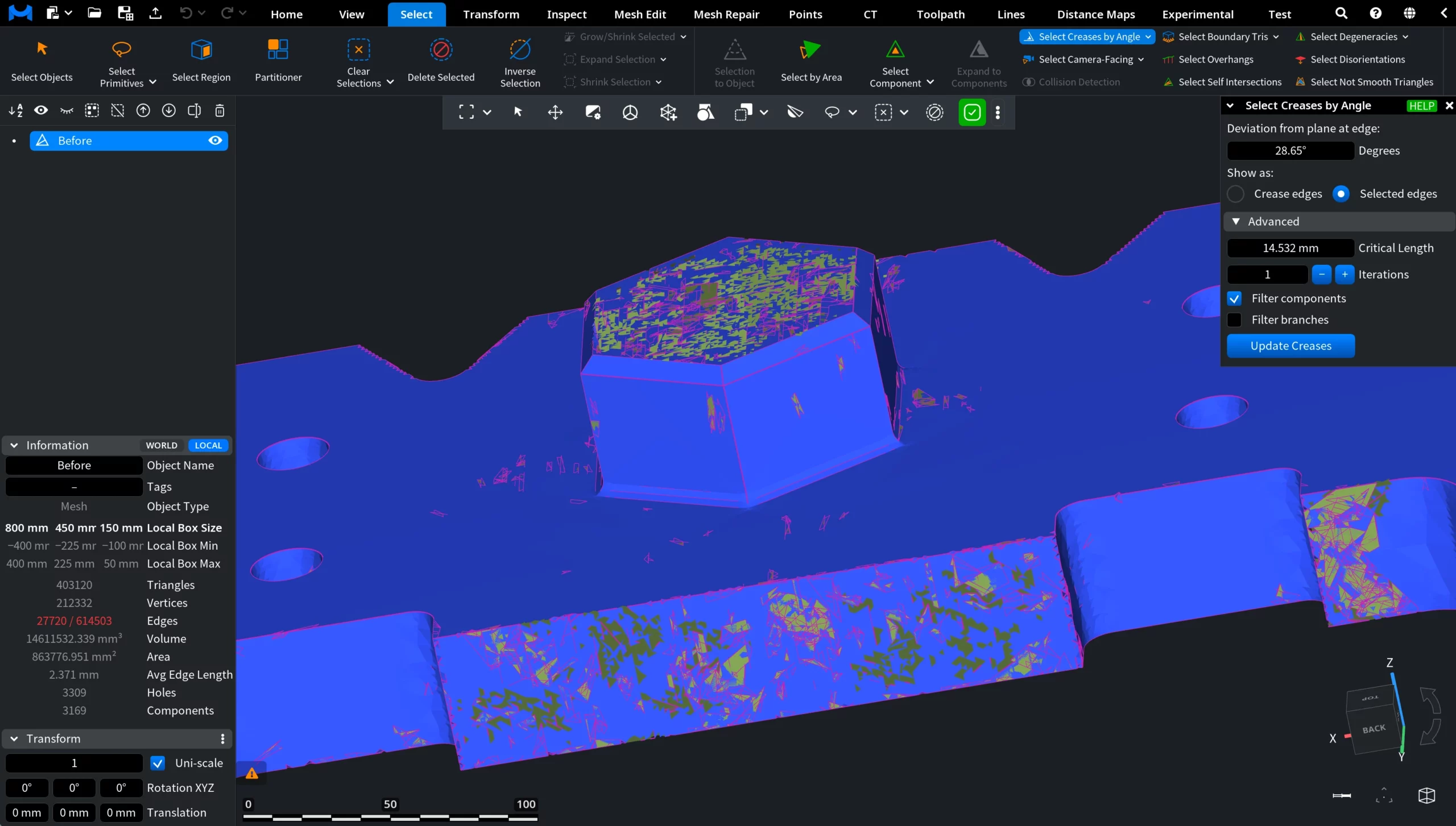
Select Creases by Angle: Settings
Via the panel, you can fine-tune the crease selection process.
Deviation from plane at edge
Deviation from plane at edge defines the angle threshold (in degrees) used to detect creases. Edges where adjacent triangles deviate by more than this angle are considered creases.
Show as:
- Crease edges highlights detected creases visually without changing the current selection.
- Selected edges converts detected creases into an active edge selection.
Select Creases by Angle: Advanced Settings
- Critical Length defines the minimum edge length used when filtering crease components or branches.
- Iterations specifies how many times the crease detection process is applied, allowing the results to be refined iteratively.
- Filter components, when enabled, excludes connected crease components whose total edge length is below the Critical Length.
- Filter branches, when enabled, excludes individual crease branches shorter than the Critical Length.
Click Update Creases to apply the current parameters and refresh the detected creases.