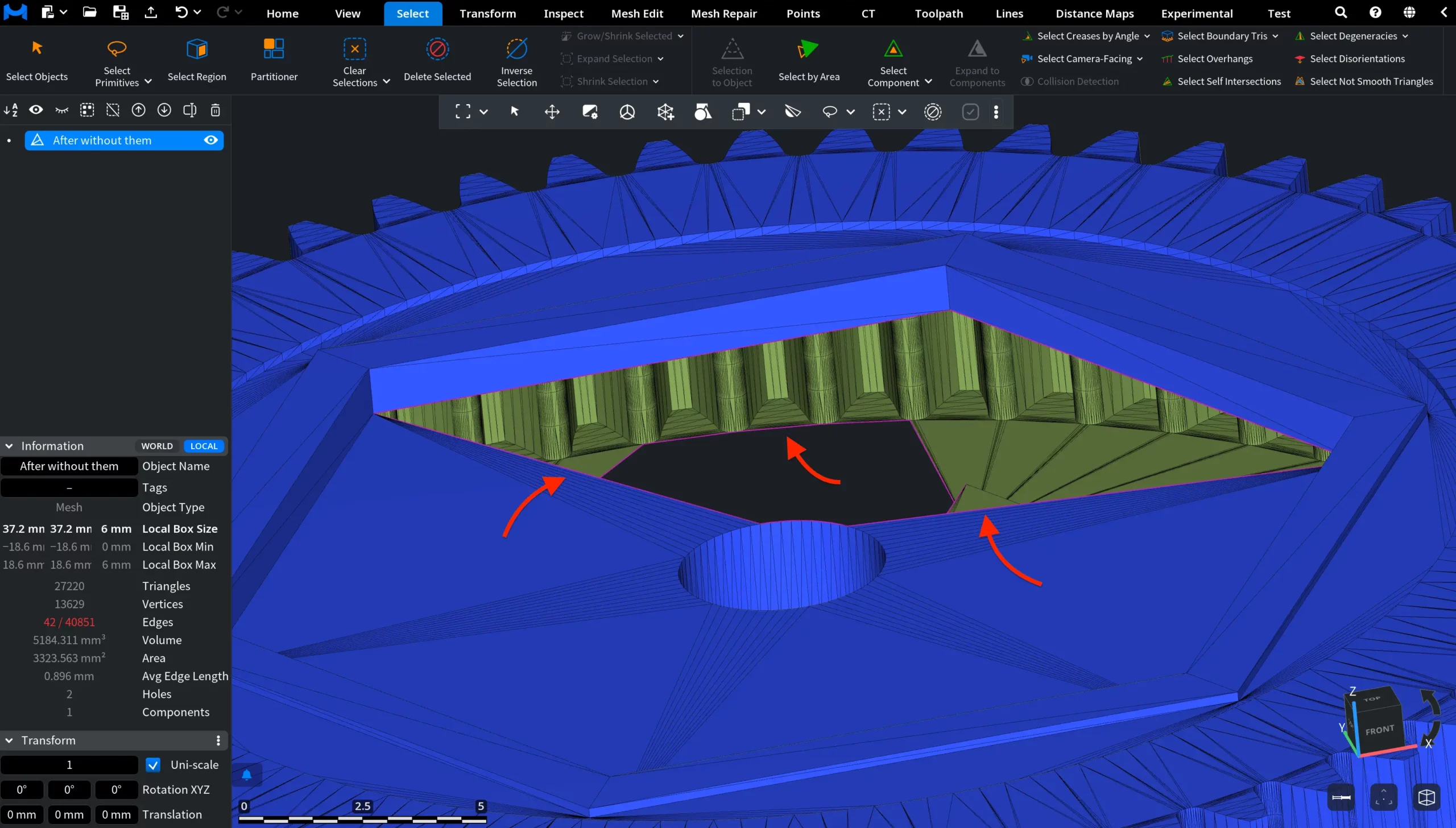
Clicking Select Boundary Edges, available from the dropdown next to Select Boundary Tris under the Select tab, adds to the selection all edges that lie on the boundary of the mesh (i.e., edges belonging to only one triangle).

Select Boundary Edges: Before
In the screenshot below, you can see a mesh containing an open hole in its surface. To visualize the mesh triangles, L was pressed. The boundary edges around the hole have not yet been added to the selection.
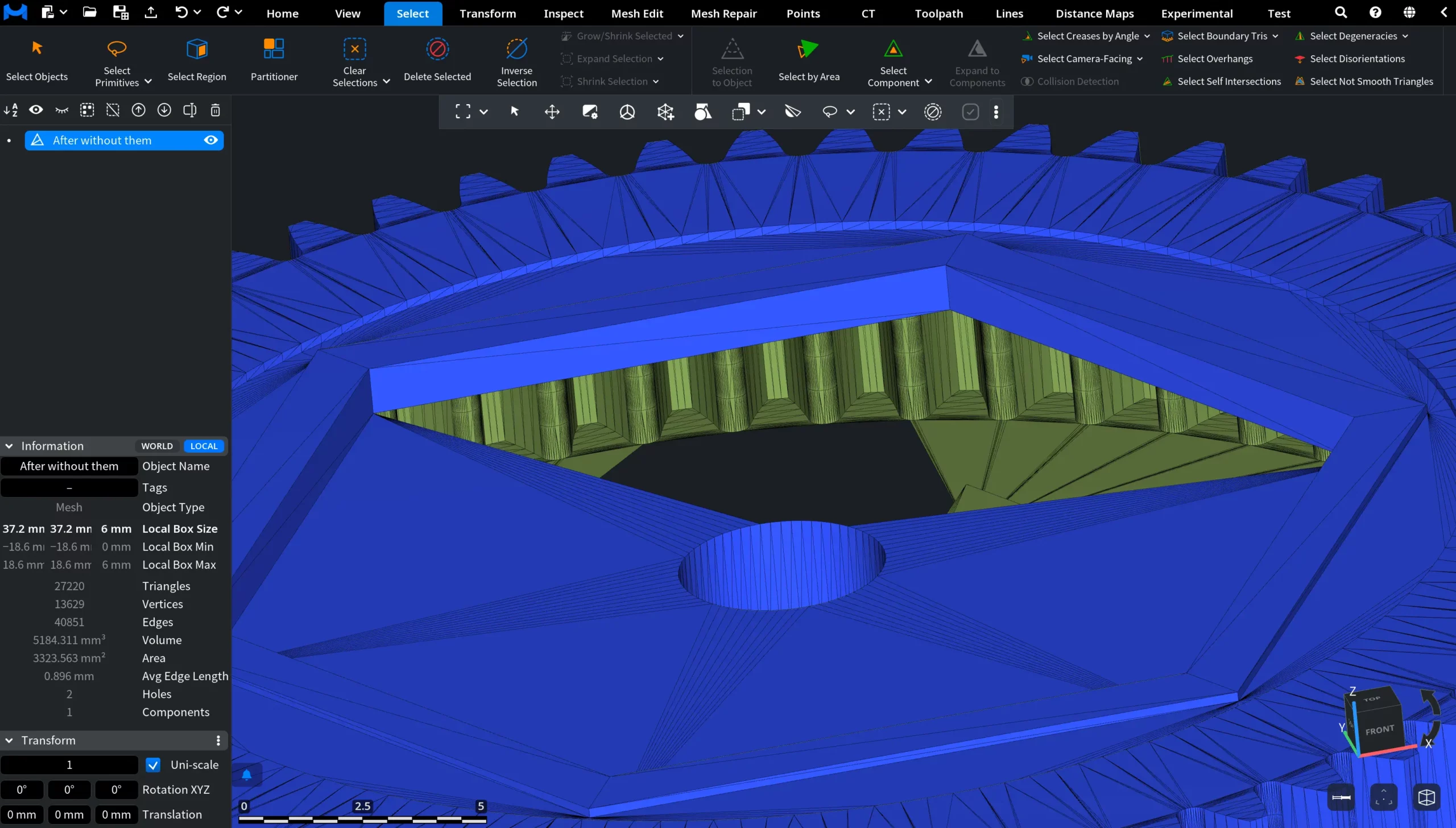
Select Boundary Edges: After
In this screenshot, Select Boundary Edges has been applied. The boundary edges surrounding the open hole were automatically added to the selection and highlighted in magenta, outlining the open border of the mesh.