The Lattice Modifier is designed for smooth shape adjustments. Instead of modifying individual faces or points, it lets you deform a mesh through a surrounding control lattice. This makes it especially useful for proportional reshaping, silhouette refinement, and early-stage form corrections.
Where to Find Lattice Modifier
To find Lattice Modifier, go to Mesh Edit. By clicking Lattice Modifier under this tab, you can deform a mesh using a controllable lattice (grid) that surrounds the object.

When the tool is activated, a dedicated Lattice Modifier panel opens, and a lattice cage appears around the selected mesh.
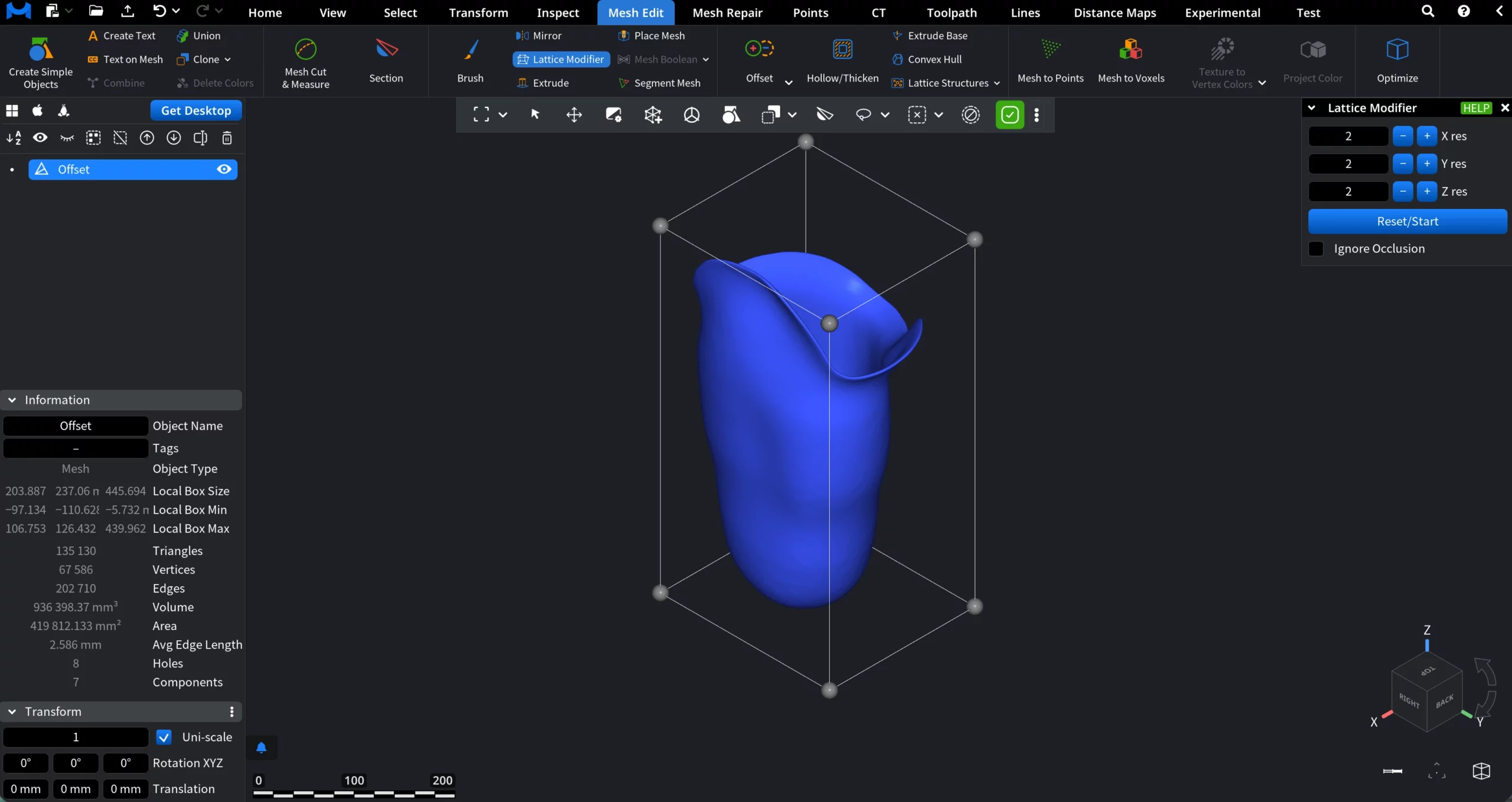
By default, the lattice is created with 2 subdivisions along each axis (X, Y, and Z). You can increase the resolution up to 4 subdivisions per axis using the X res, Y res, and Z res controls.
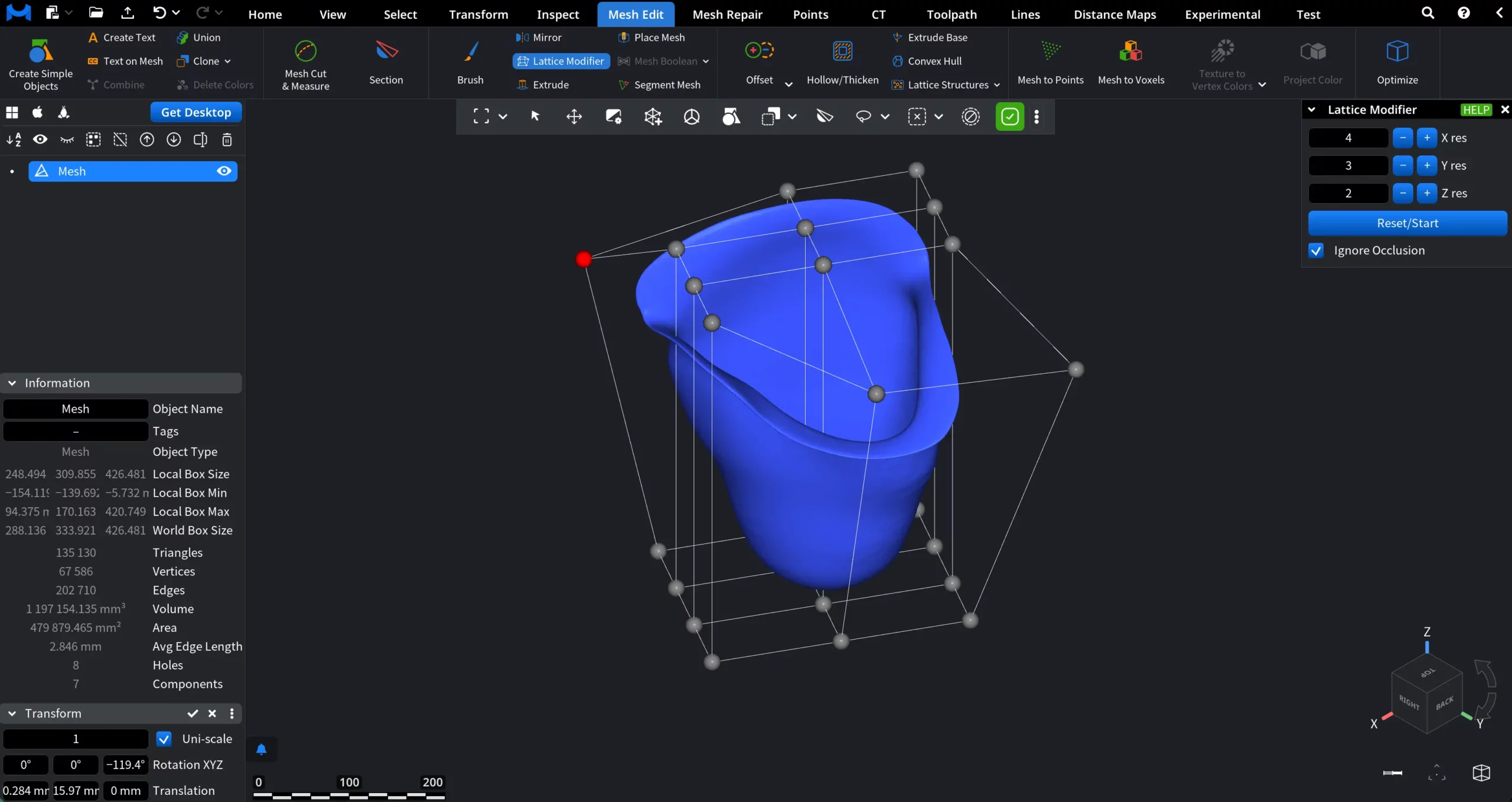
Each lattice node acts as a control handle that influences the surrounding mesh geometry. When you hover over a lattice point, it becomes red, indicating that it is active. Click and drag any lattice point to deform the mesh in real time. The mesh smoothly follows the movement of the lattice, allowing for proportional and non-destructive shape adjustments.
Controls in Lattice Modifier
- Reset / Start applies the current lattice resolution settings and rebuilds the lattice grid.
- Ignore Occlusion, when enabled, allows you to edit points even if they are hidden behind the mesh or other geometry in the current view.
The Lattice Modifier is best suited for scenarios where you need to adjust overall form without breaking surface continuity, making it an effective tool for broad shape refinement before moving on to more localized editing operations.