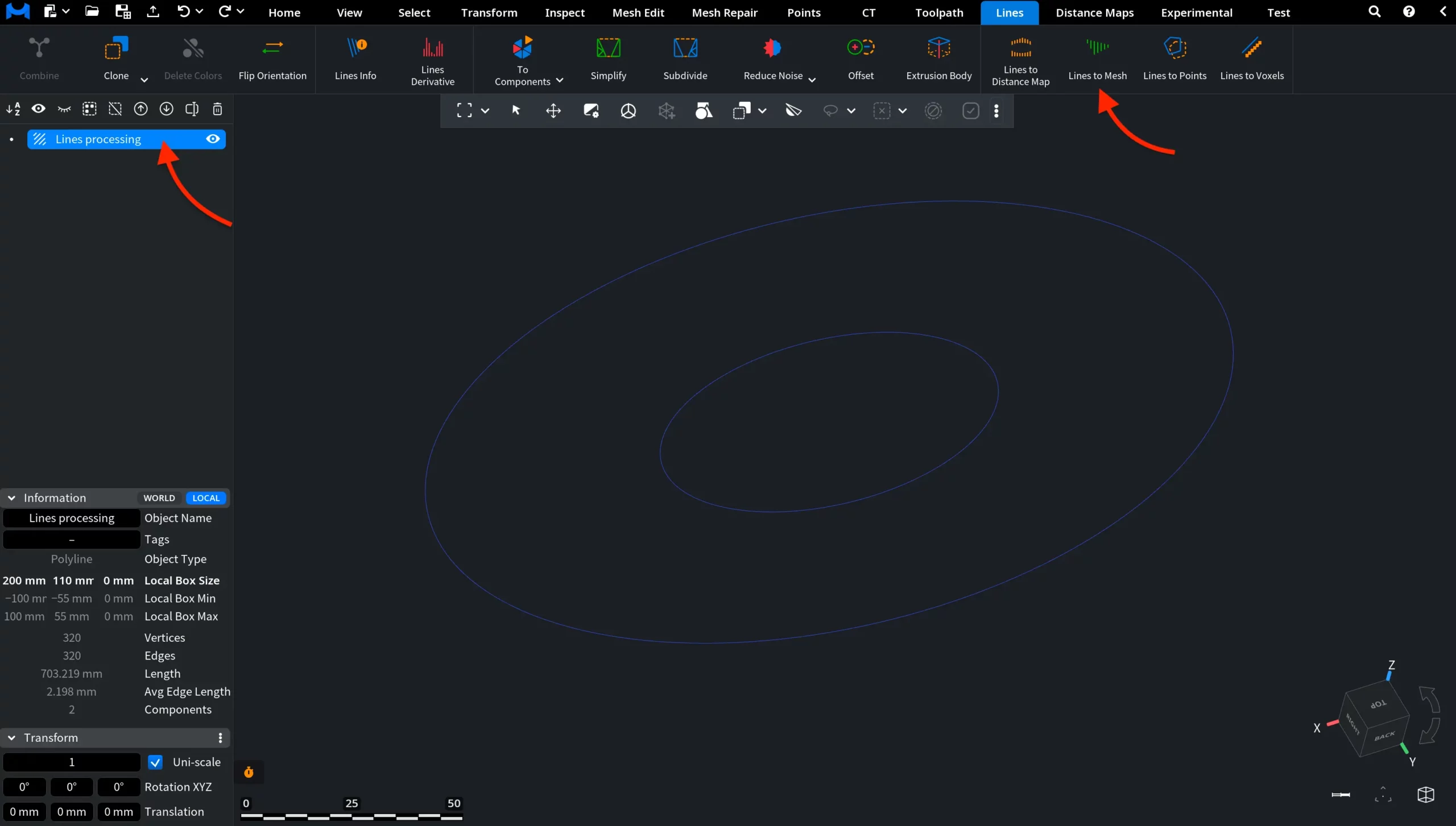
In some workflows, line objects may need to be converted into point-based geometry. MeshInspector provides a dedicated tool for this. Lines to Points converts selected line objects into point clouds by creating point data from the source line vertices. The tool is located in the Lines tab on the top toolbar.

Lines to Points does not open a settings panel. The operation is performed immediately after clicking the button. MeshInspector simply takes the currently selected polyline object (or multiple selected polyline objects) and converts them into a new point cloud object.
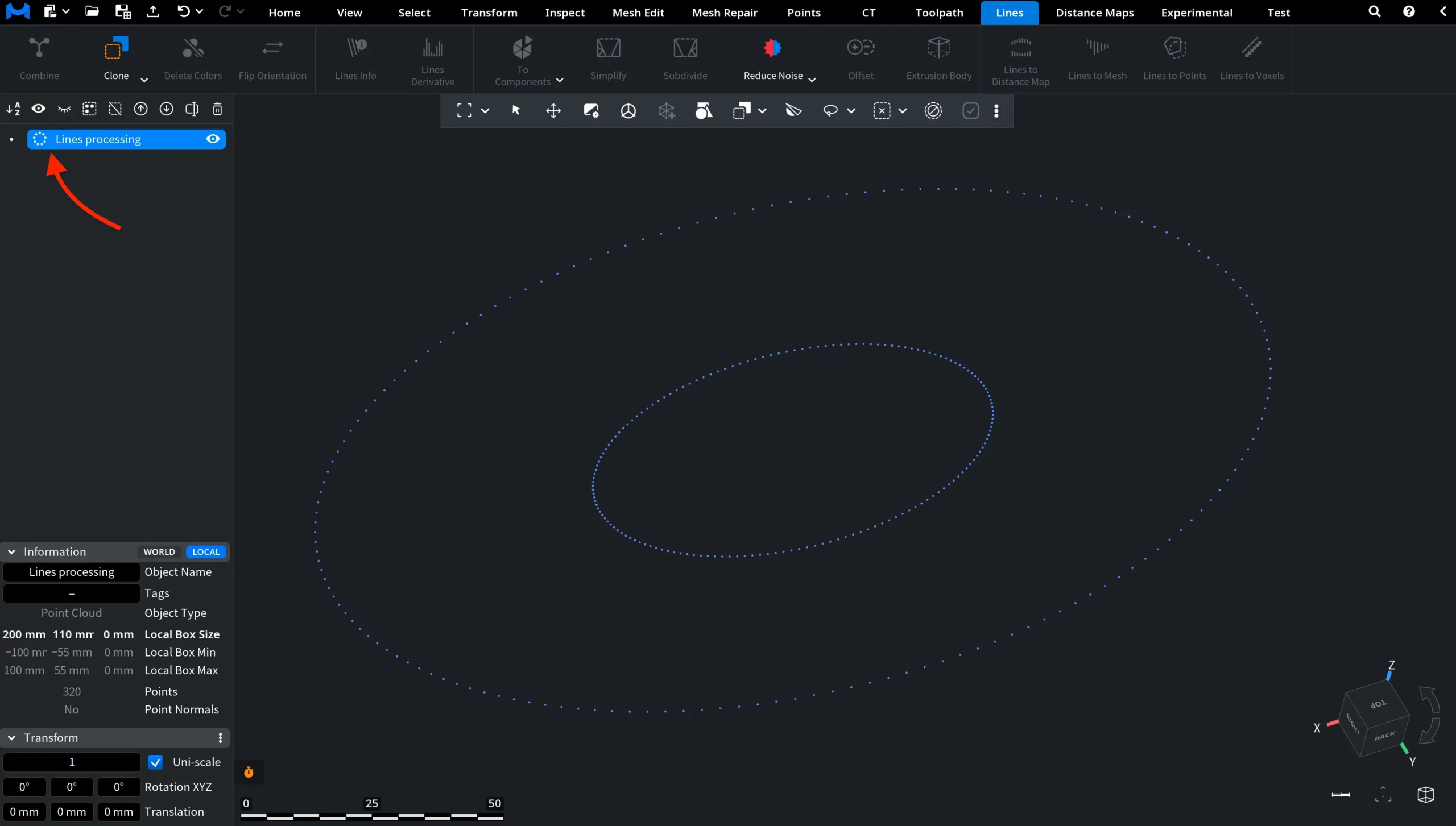
After clicking Lines to Points, the line object is immediately converted into a point cloud. As you can see in the screenshot below, the continuous contour lines disappear and are replaced by a sequence of individual points positioned at the former polyline vertices. The overall geometric shape is preserved, but it is no longer represented as connected line segments.
The object also changes internally: in the Scene Tree, its icon changes accordingly, and in the Information panel its object type is now listed as Point Cloud, confirming that MeshInspector no longer treats it as a polyline but as a point cloud object.