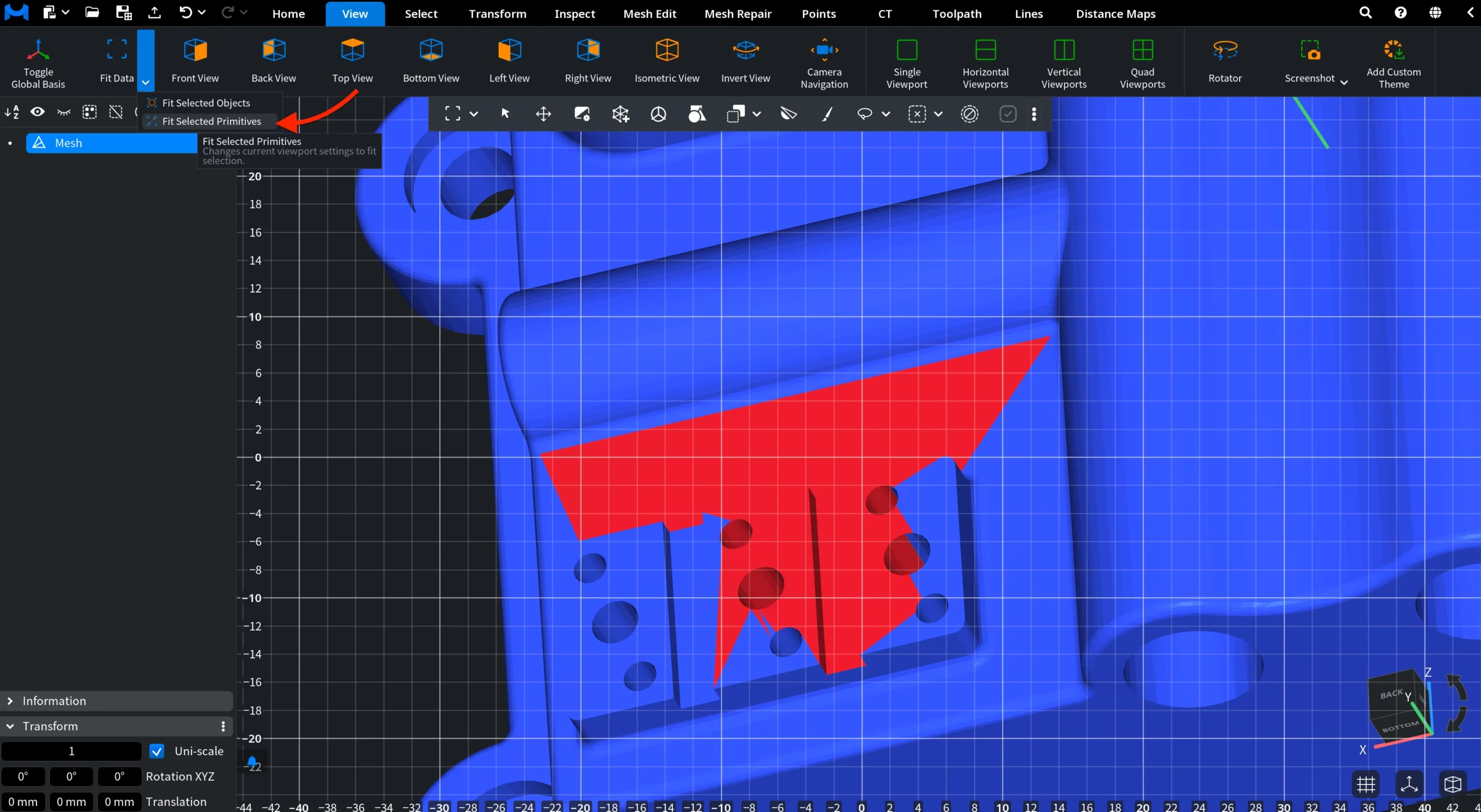
Use Fit Data, located under the View tab, to quickly adjust the Viewport and center relevant content in the scene.

Clicking Fit Data fits the viewport to all currently visible objects.
Additional options are available via the Fit Data dropdown:
- Fit Selected Objects fits the viewport to the currently selected visible objects.
- Fit Selected Primitives fits the viewport to the currently selected primitives.