The Distance Map to Mesh tool, located under the Distance Maps tab, allows you to convert a selected distance map into a mesh object. The tool uses the distance-map data to generate mesh geometry, creating a new Mesh object that can be edited, inspected, or used in further mesh-processing workflows. To use the tool, first select a Distance Map object in the Scene tree.

After selecting a distance map, click Distance Map to Mesh under the Distance Maps tab. MeshInspector converts the selected distance map into a mesh and adds the generated Mesh object to the Scene tree.
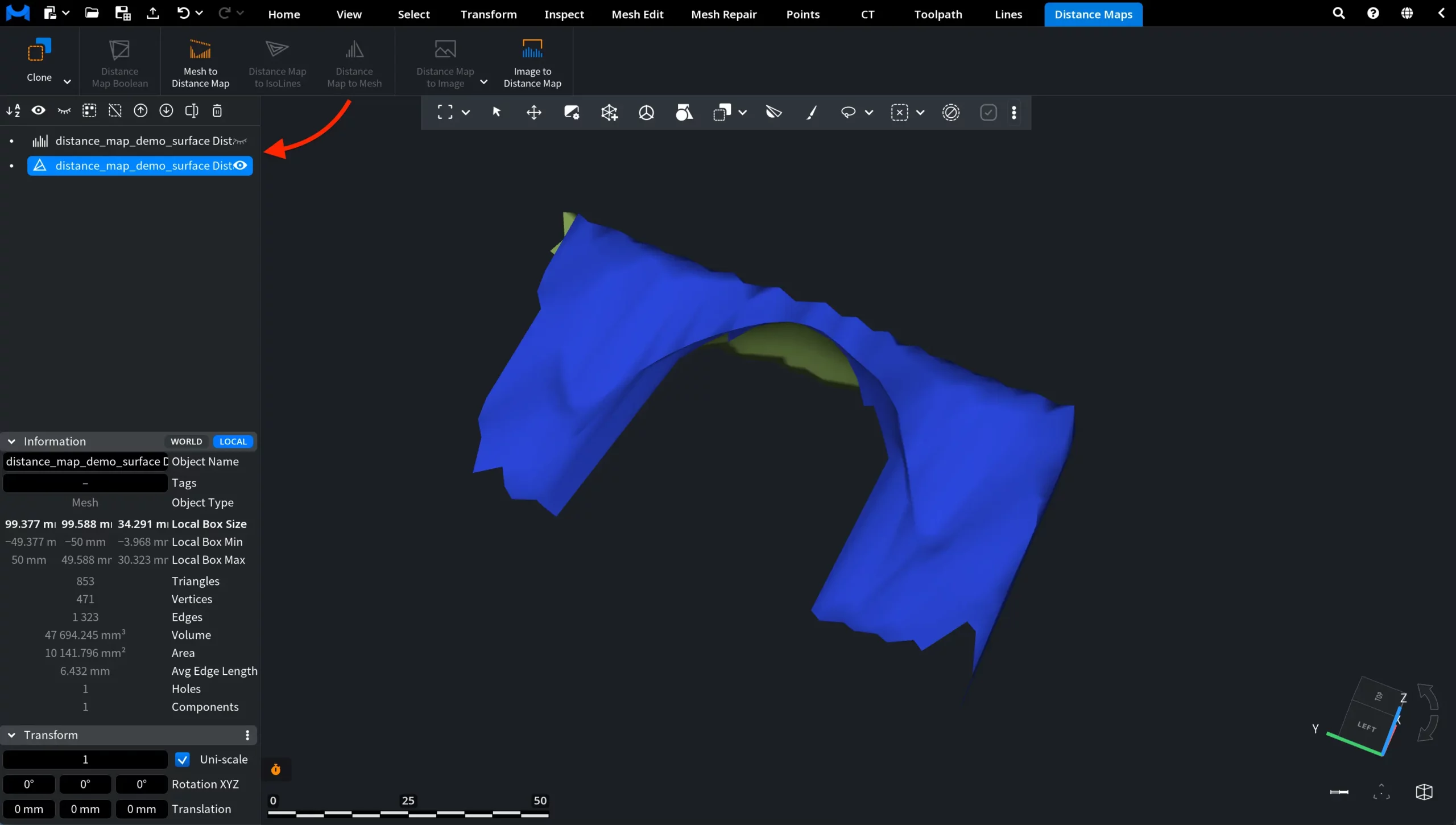
In this example, the original Distance Map object was hidden after conversion, so only the resulting mesh is visible in the viewport. However, both objects remain in the Scene tree: the original distance map and the newly created mesh.
In the Information panel, the object type of the generated object is displayed as Mesh.