Under the Toolpath tab, you can find the G-code to Lines button. This tool allows you to create a line object from a selected G-code object.

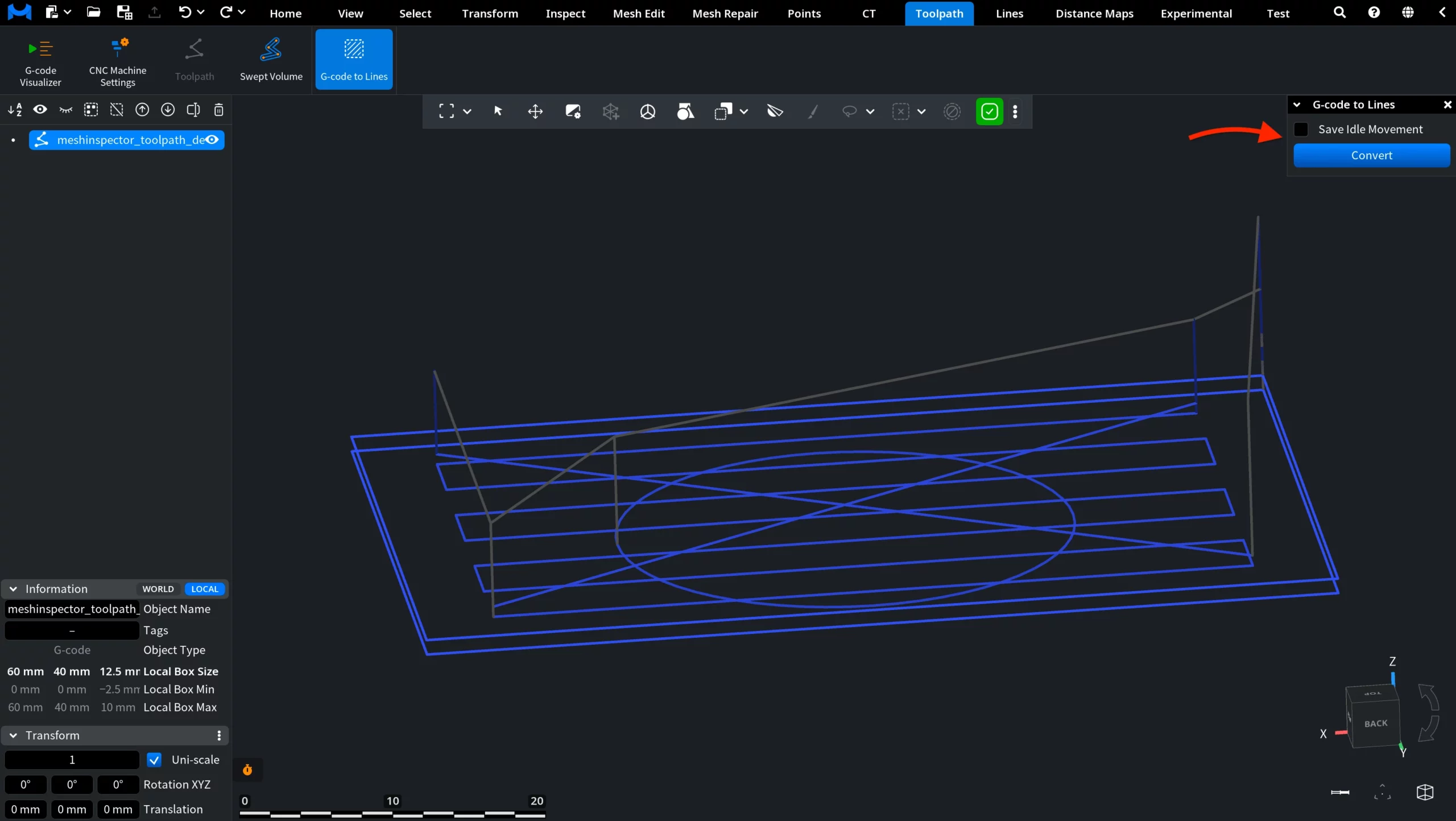
To use the tool, select exactly one G-code object in the scene and click G-code to Lines. MeshInspector opens a small panel with one setting and a conversion button.
- Save Idle Movement controls whether idle movements are included in the resulting line object.
- Convert converts the selected G-code object into lines.
After you click Convert, MeshInspector creates a new line object from the selected G-code object. The result appears in the Scene list and can be inspected directly in the viewport.
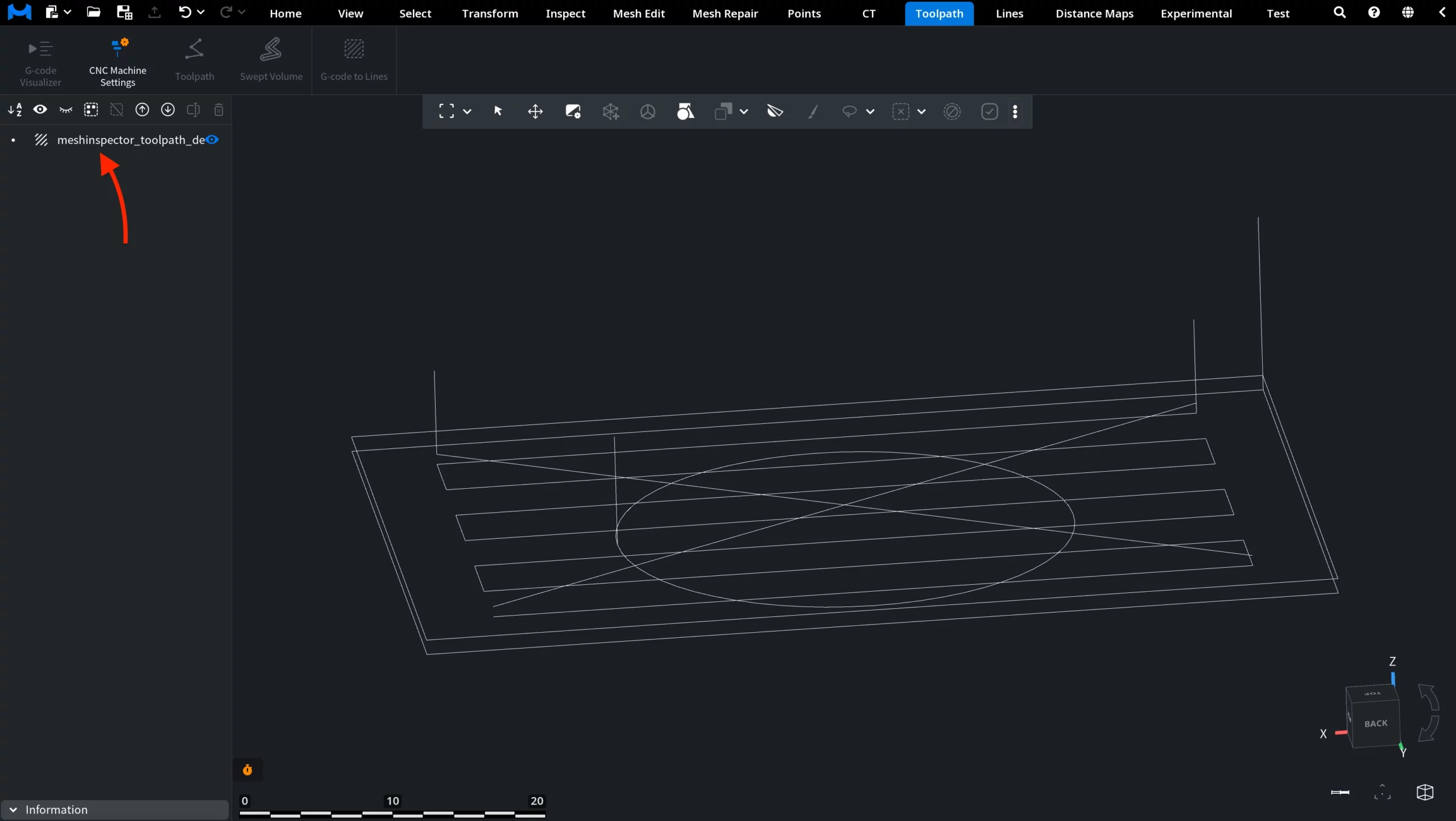
In the example above, the G-code to Lines operation was executed with Save Idle Movement disabled. As a result, the created line object contains the converted toolpath lines without saving idle movements.