Clicking the Camera Navigation tool, located under the View tab, enables camera movement through the scene using the keyboard arrow keys.

When you click the tool, a dedicated settings panel opens.
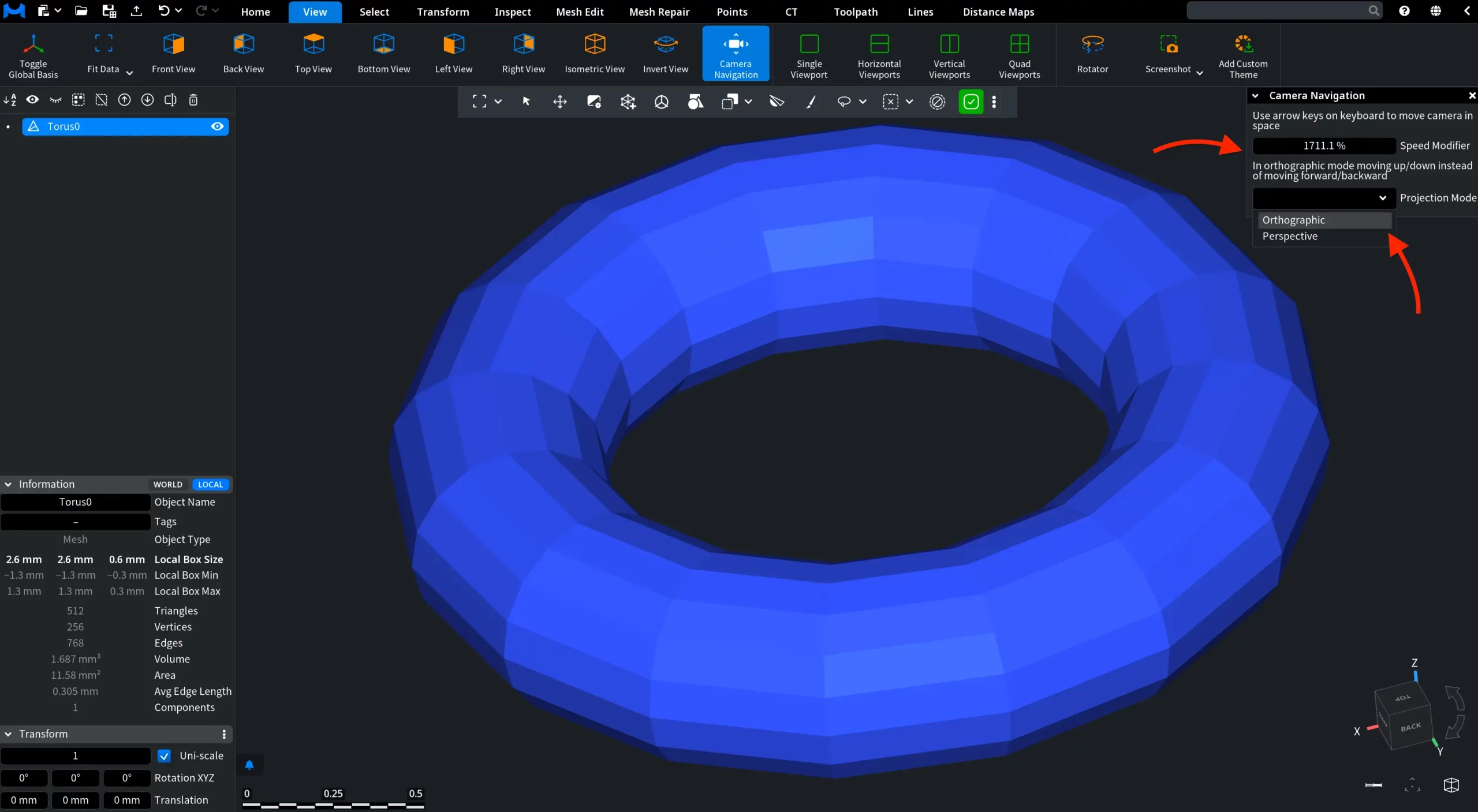
There, you can adjust the camera movement speed using the Speed Modifier. You can also switch between Projection Modes:
- Perspective mode enables forward and backward movement along the viewing direction, allowing navigation with depth changes.
- Orthographic mode replaces forward and backward movement with up and down movement, enabling planar navigation without depth changes.
This feature provides precise control over scene exploration and camera positioning.