When working with voxel volumes, it may sometimes be necessary to analyze how different regions inside the dataset are connected. That is, users may want to determine the most efficient path between two points within a voxel grid. MeshInspector provides the Voxels Path tool to compute and visualize the optimal path between two voxels inside a voxel volume. To access this tool, open the CT tab on the top toolbar and click Voxels Path. To activate Voxels Path, exactly one voxel volume must be selected.

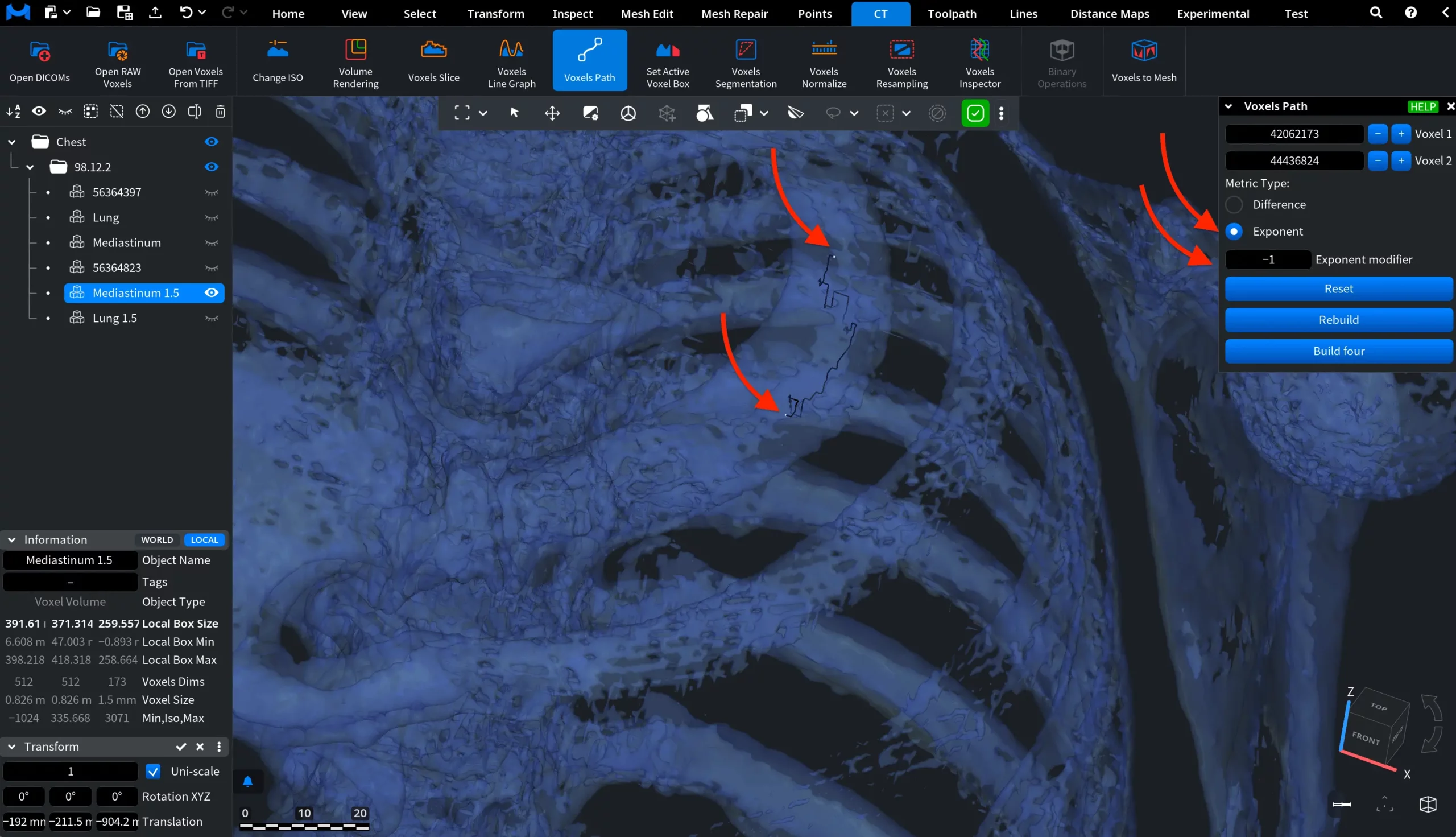
Once you click Voxels Path, a dedicated settings panel opens. It allows you to select two voxels between which the path will be computed and define how the distance between voxels is measured.
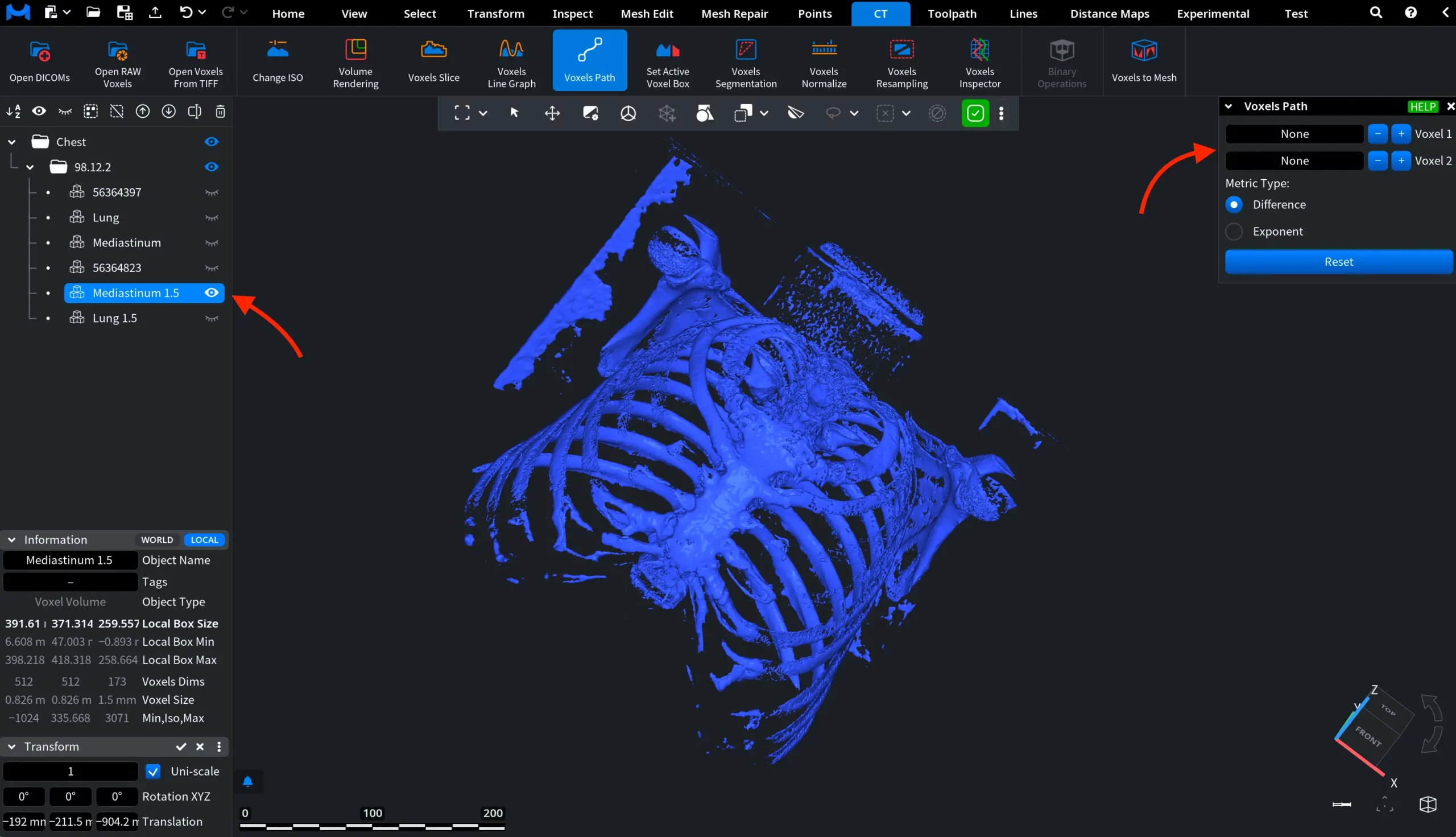
To better demonstrate how Voxels Path works, we zoom in on the voxel volume and reduce its opacity by right-clicking the object in the scene tree and dragging the Opacity slider.
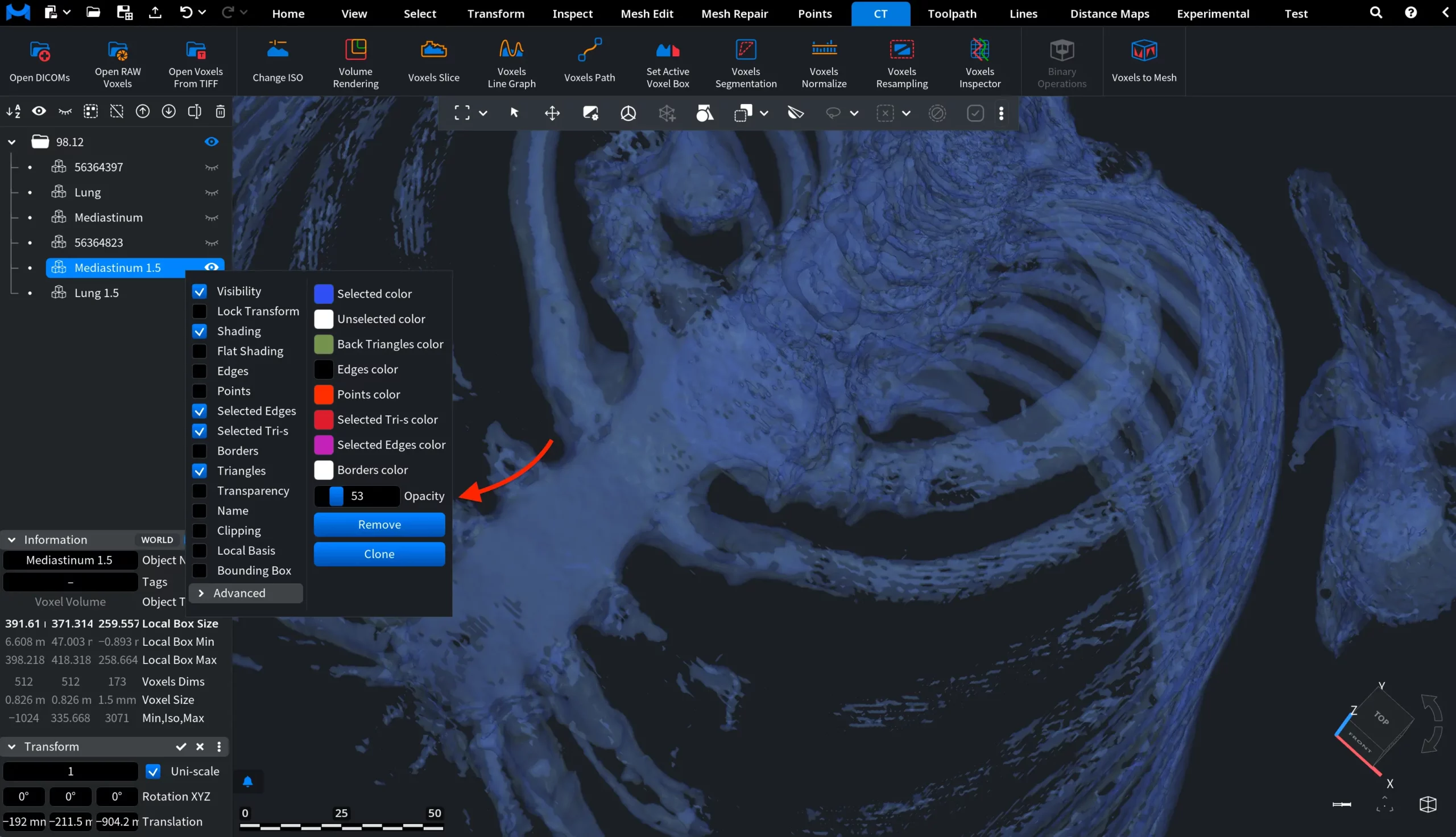
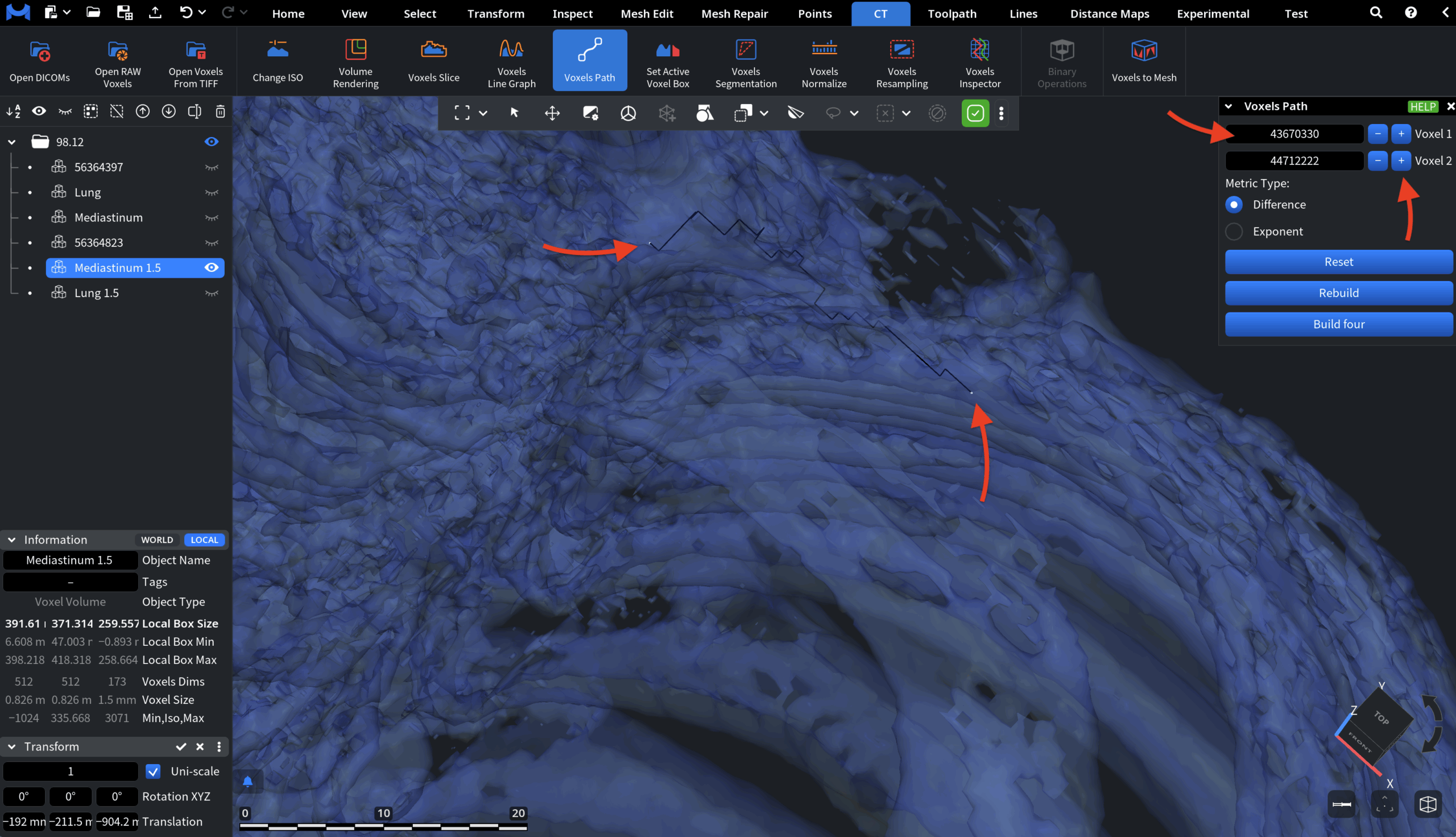
Voxels Path: Voxels
The first step is to assign the two voxels between which the path will be computed. There are three ways to assign and adjust them:
- Click directly on the voxel volume to select a voxel in the scene.
- Enter the voxel IDs manually in the corresponding fields.
- Use the + and − buttons to increment or decrement the voxel IDs.
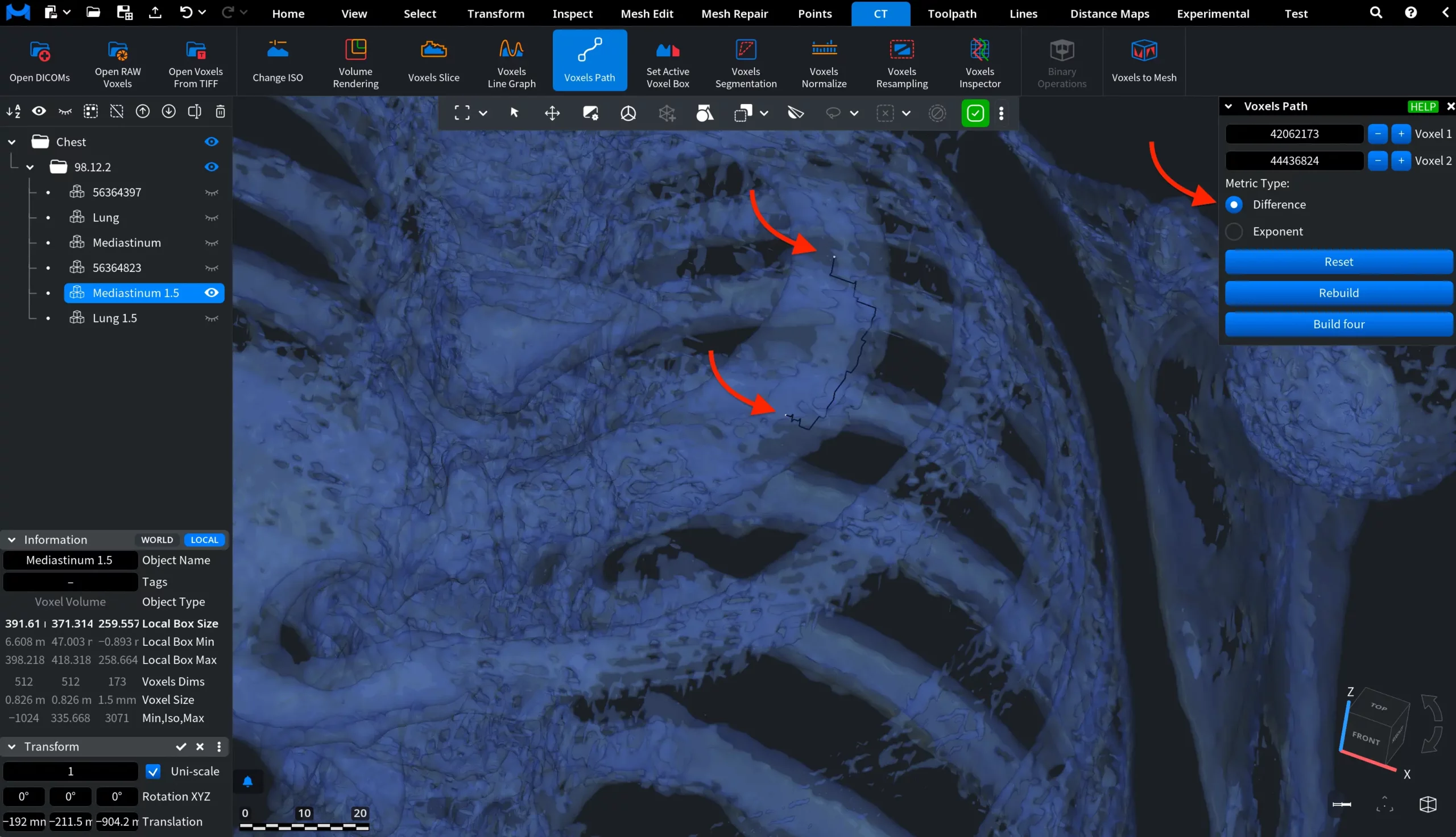
Metric Type
The Metric Type parameter defines how the distance between neighboring voxels is evaluated when the path is computed. This metric influences which route the algorithm considers optimal.
Two metric types are available.
Difference
When Difference is selected, the path cost is calculated based on the absolute difference between voxel values.
Exponent
When Exponent is selected, voxel differences are evaluated using an exponential weighting function controlled by the Exponent modifier parameter.
Button Commands
Reset clears the selected voxels and removes the computed path from the scene.
Rebuild recomputes the path using the currently assigned voxels and the active metric settings.
Build four computes the voxel path using an alternative build mode.
Examples
Voxels Path: Default
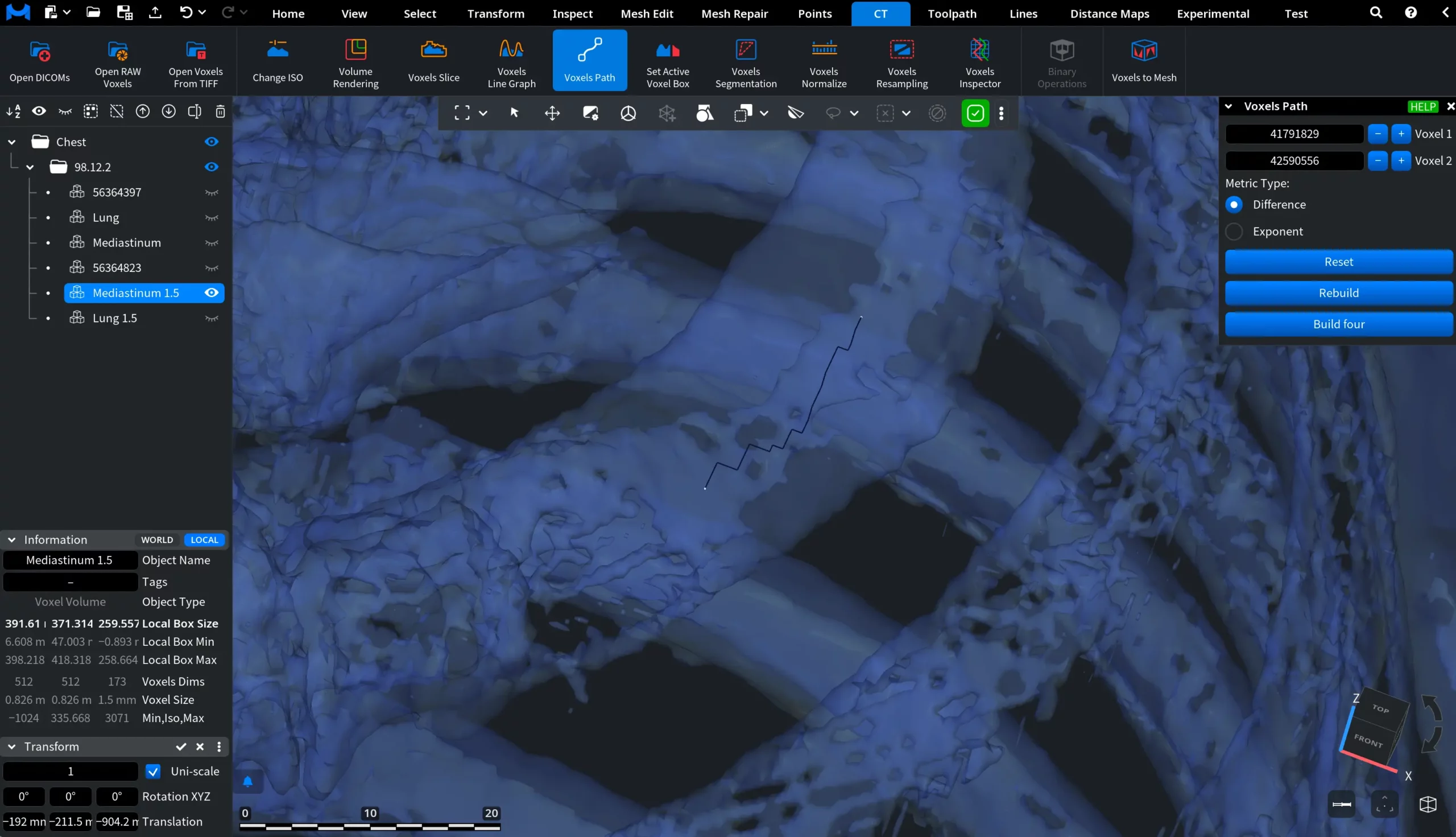
Voxels Path: Build Four
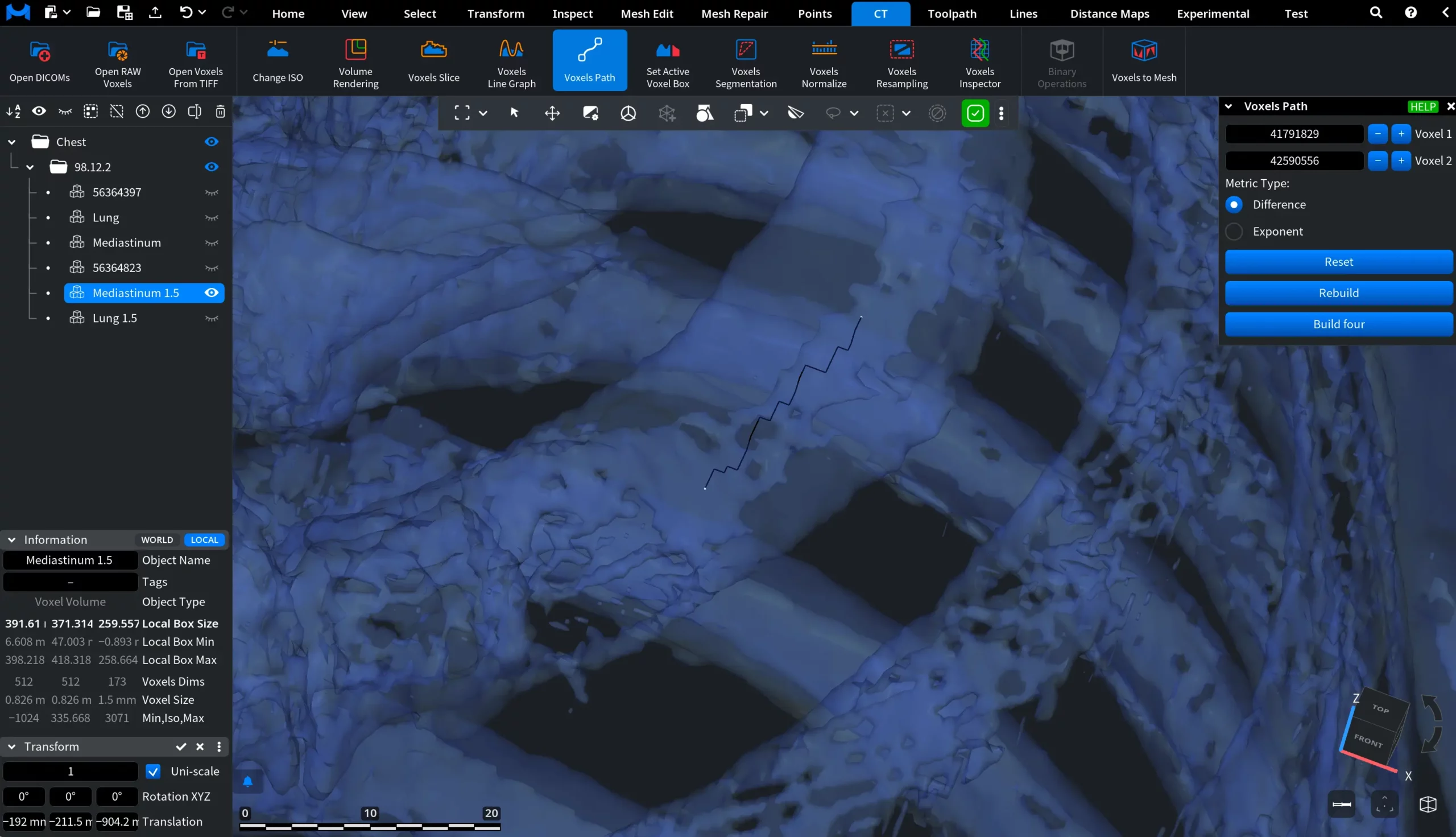
To return from Build four to the default path computation mode, click Rebuild.