The Mirror tool, located under the Transform tab, allows you to reflect an object's points.

Mirror: Settings
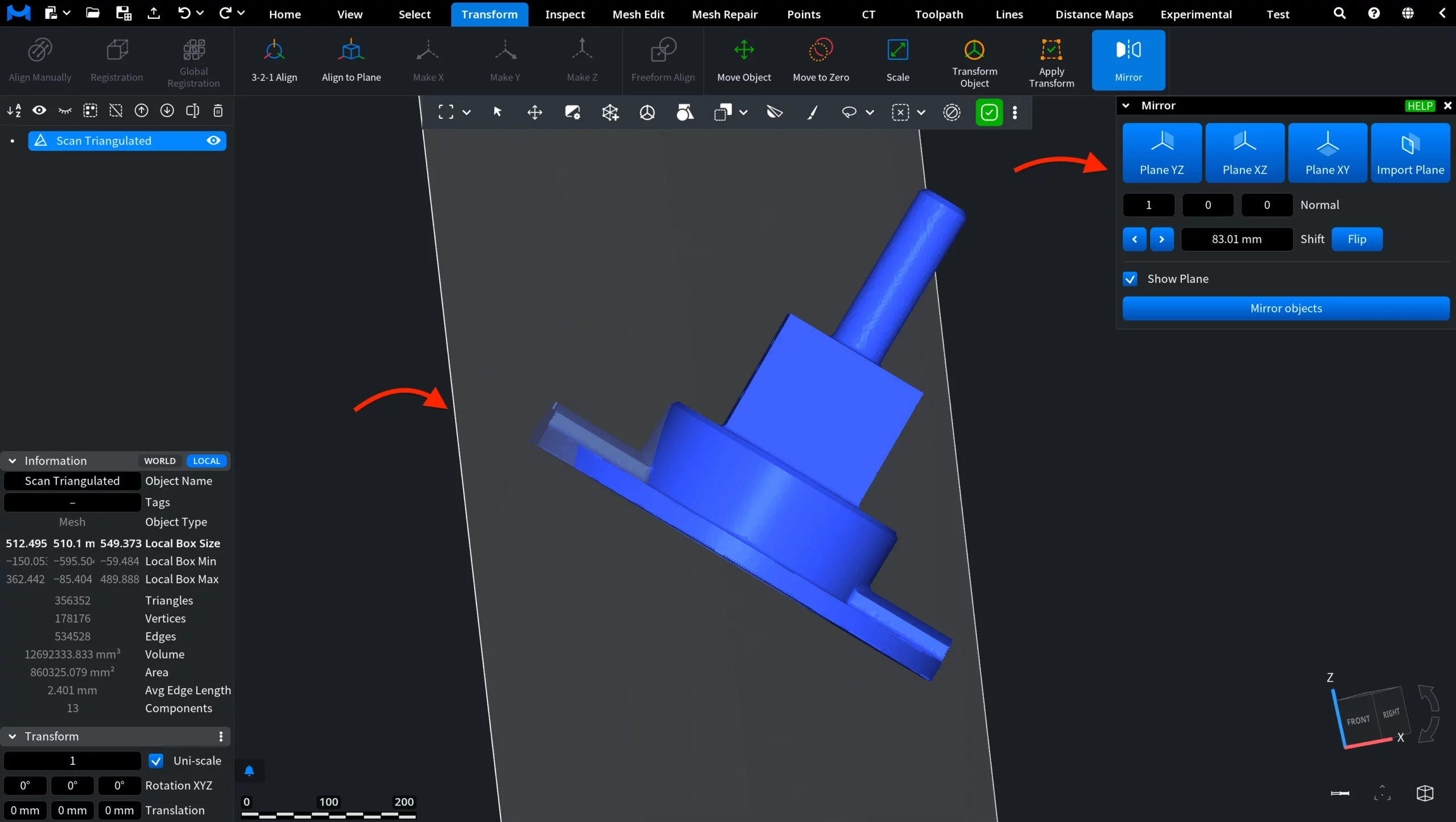
When the Mirror tool is activated, its settings panel appears on the right. You can use one of the predefined coordinate planes or define a custom plane.
Mirror Plane
At the top of the panel, select the Mirror Plane that will be used for reflection:
- Plane YZ mirrors the object across the YZ plane.
- Plane XZ mirrors the object across the XZ plane.
- Plane XY mirrors the object across the XY plane.
- Import Plane lets you use an existing plane object from the scene. After selecting this option, click the required plane object in the viewport or scene tree to import its parameters.
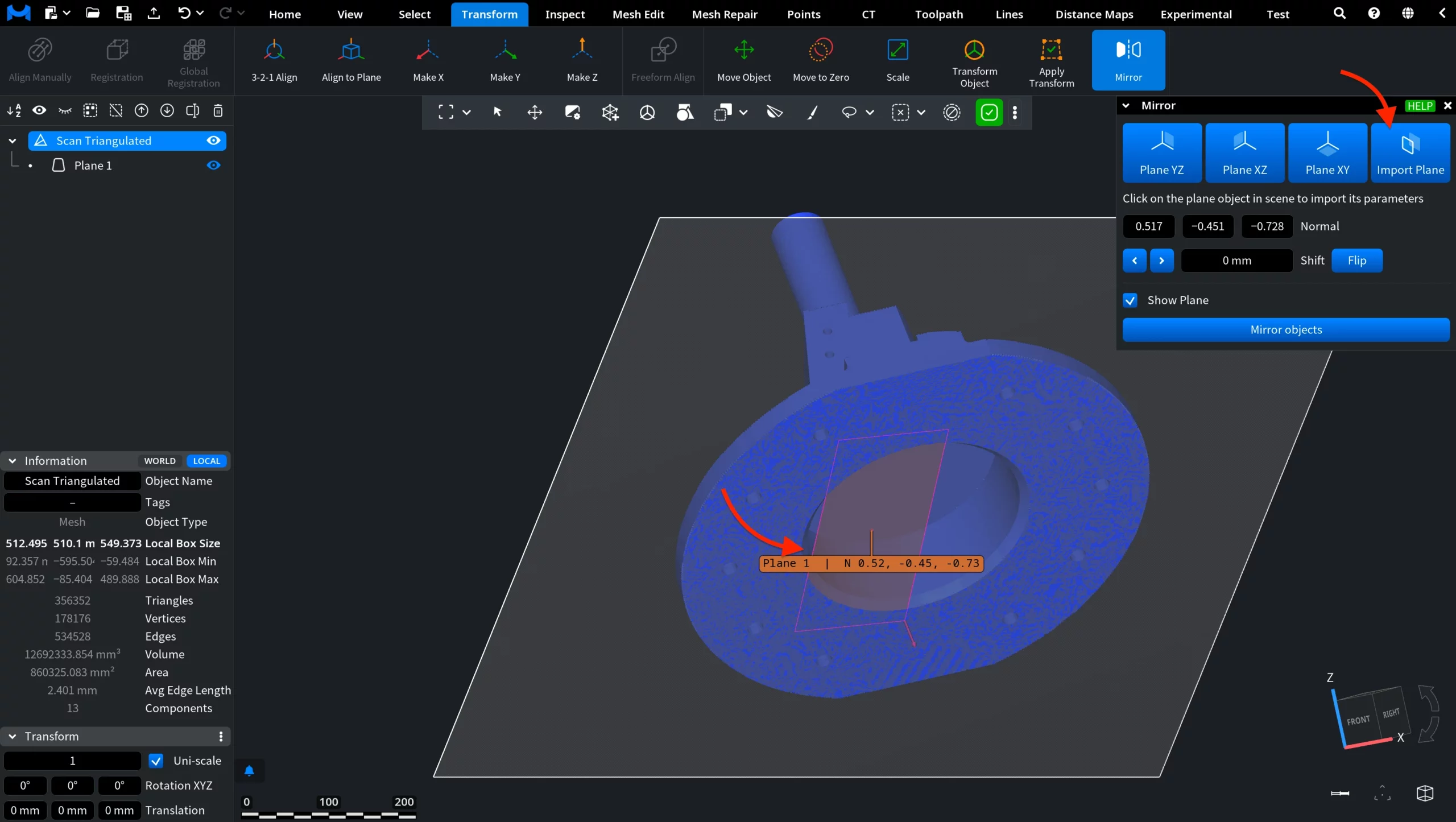
Normal
The Normal values define the orientation of the mirror plane. When you select one of the predefined coordinate planes, these values are filled in automatically. For example, the YZ plane has a normal vector of 1, 0, 0.
Shift
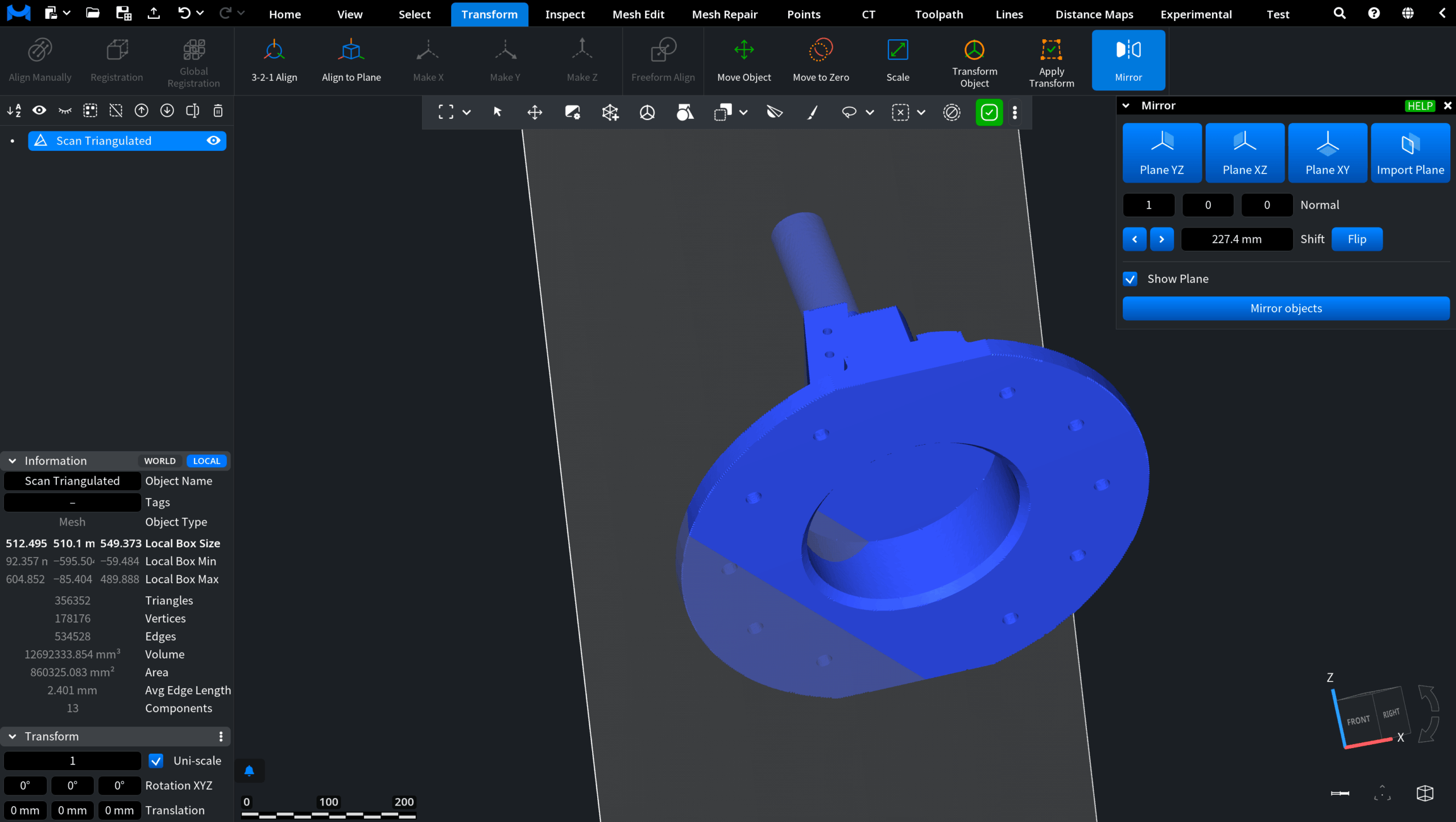
Shift defines the position of the mirror plane. Use the arrow buttons or adjust the value manually to move the plane in the required direction. You can also drag the value to change it interactively:
- Hold Shift while dragging to adjust the value faster.
- Hold Option while dragging to make finer adjustments.
Flip
Click Flip to reverse the direction of the plane normal. The normal values are inverted accordingly, while the plane remains in the same position.
Show Plane
Enable Show Plane to display the mirror plane in the viewport. This helps you check its position relative to the object before applying the transformation.
Mirror Objects
Once the mirror plane is positioned correctly, click Mirror objects. MeshInspector reflects the selected object’s points across the specified plane and applies the resulting transformation.
Guide to the Mirror Tool in MeshInspector