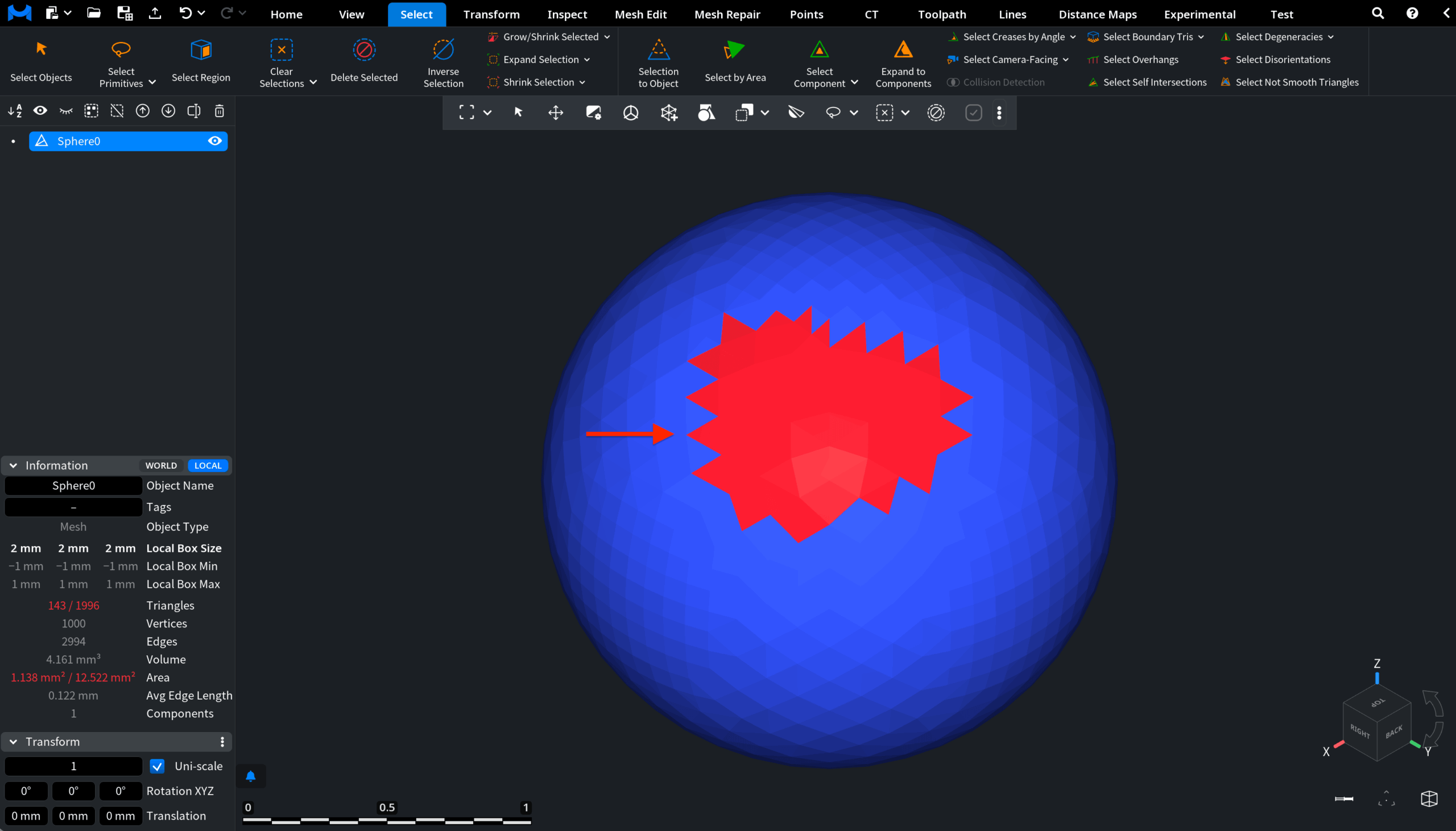
Clicking Expand Selection, located under the Select tab, adds one additional layer of adjacent triangles to the current selection.

In the screenshot below, you can see a mesh with an existing selected group of triangles.
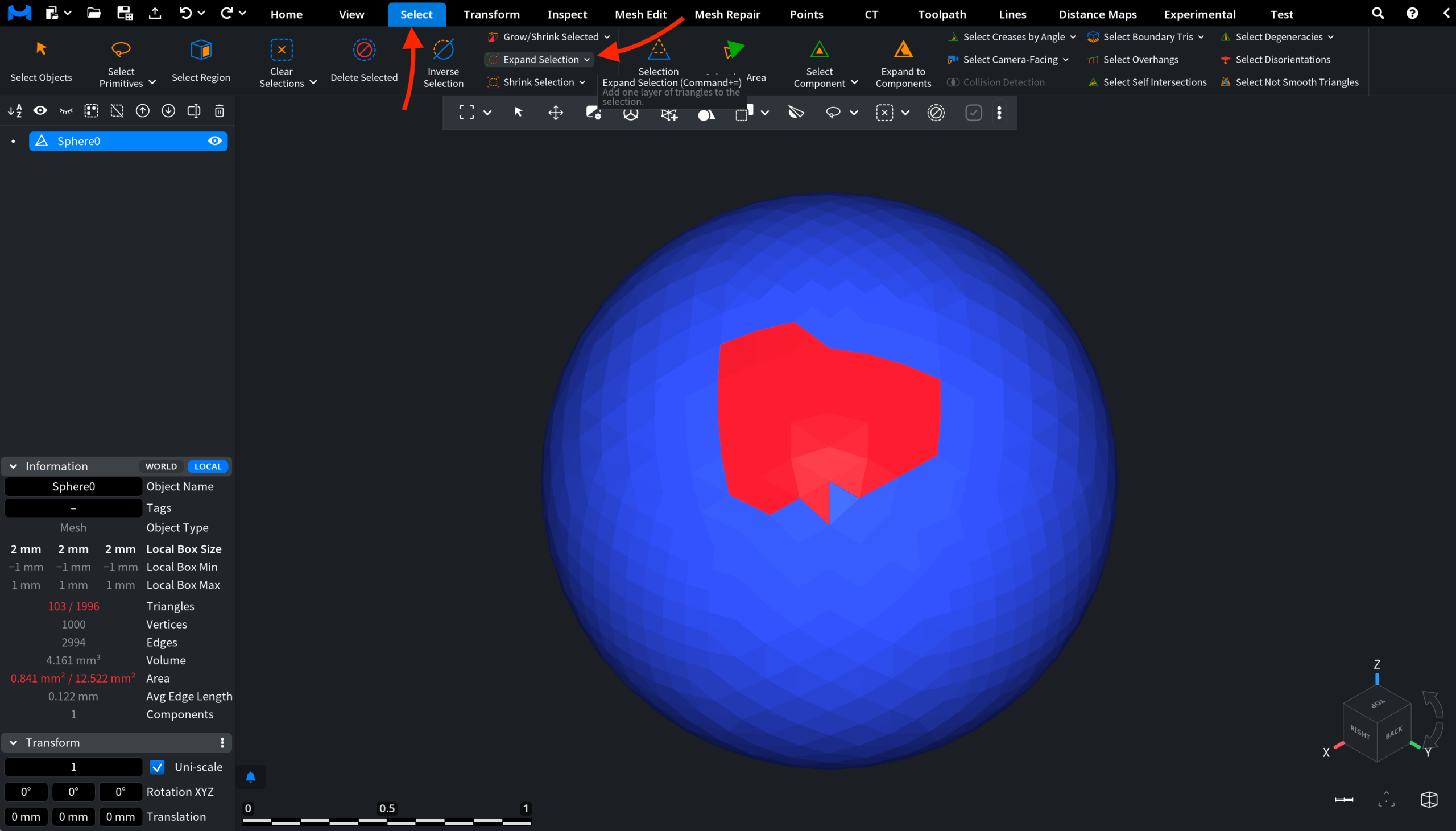
After you apply Expand Selection, MeshInspector automatically extends the selected area outward by one surrounding layer of neighboring triangles.