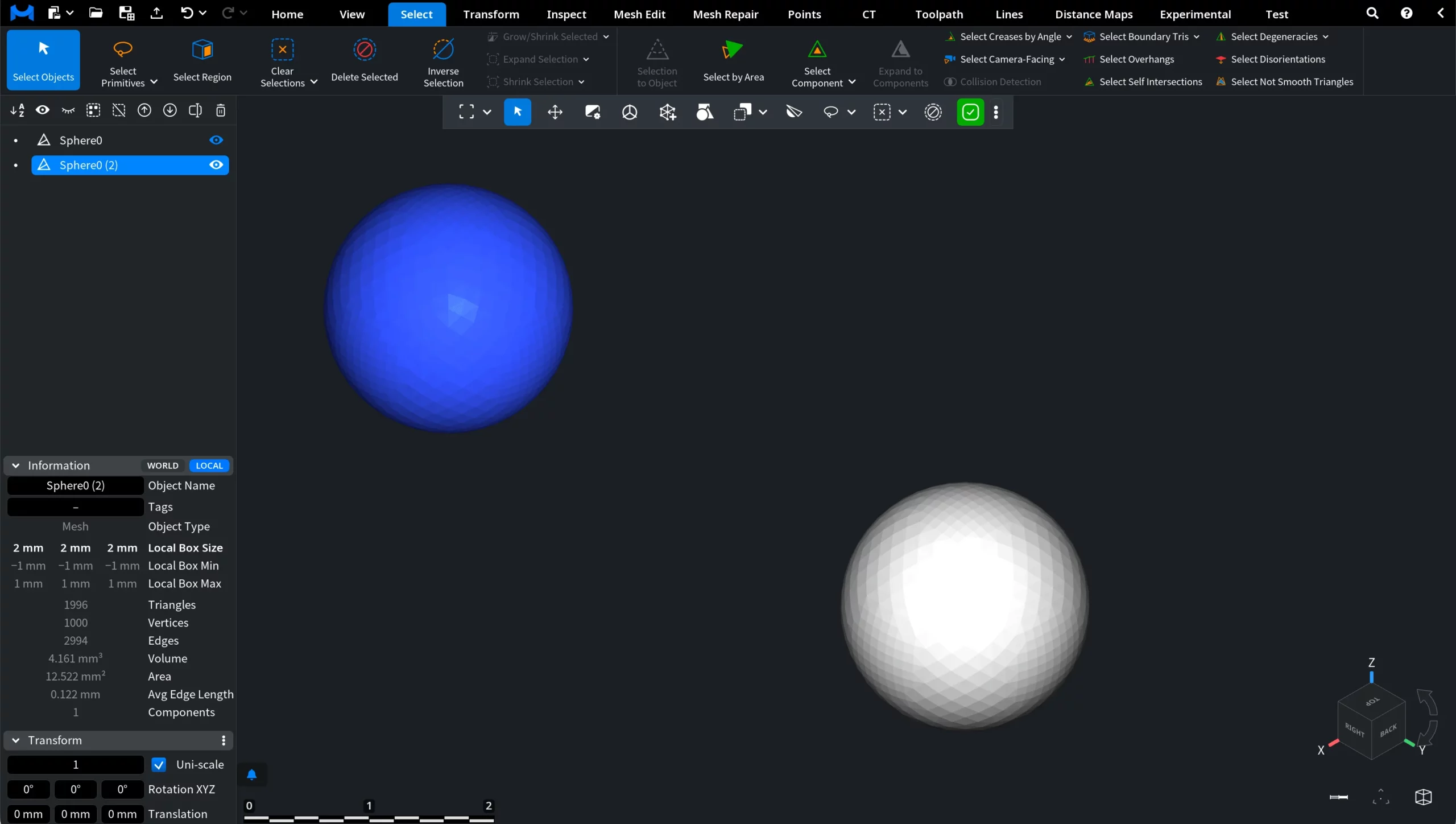
Clicking Select Objects enables object-level selection for inspection and manipulation. You can find this tool under the Select tab.

In MeshInspector, objects can be selected in two ways:
- Click the object directly in the scene with Select Objects enabled.
- Click the object name in the Scene Tree.
Use this mode when you need to move, inspect, hide, show, or apply tools to entire objects rather than to individual geometry elements. Once selected, the object is highlighted in blue by default, as shown below.