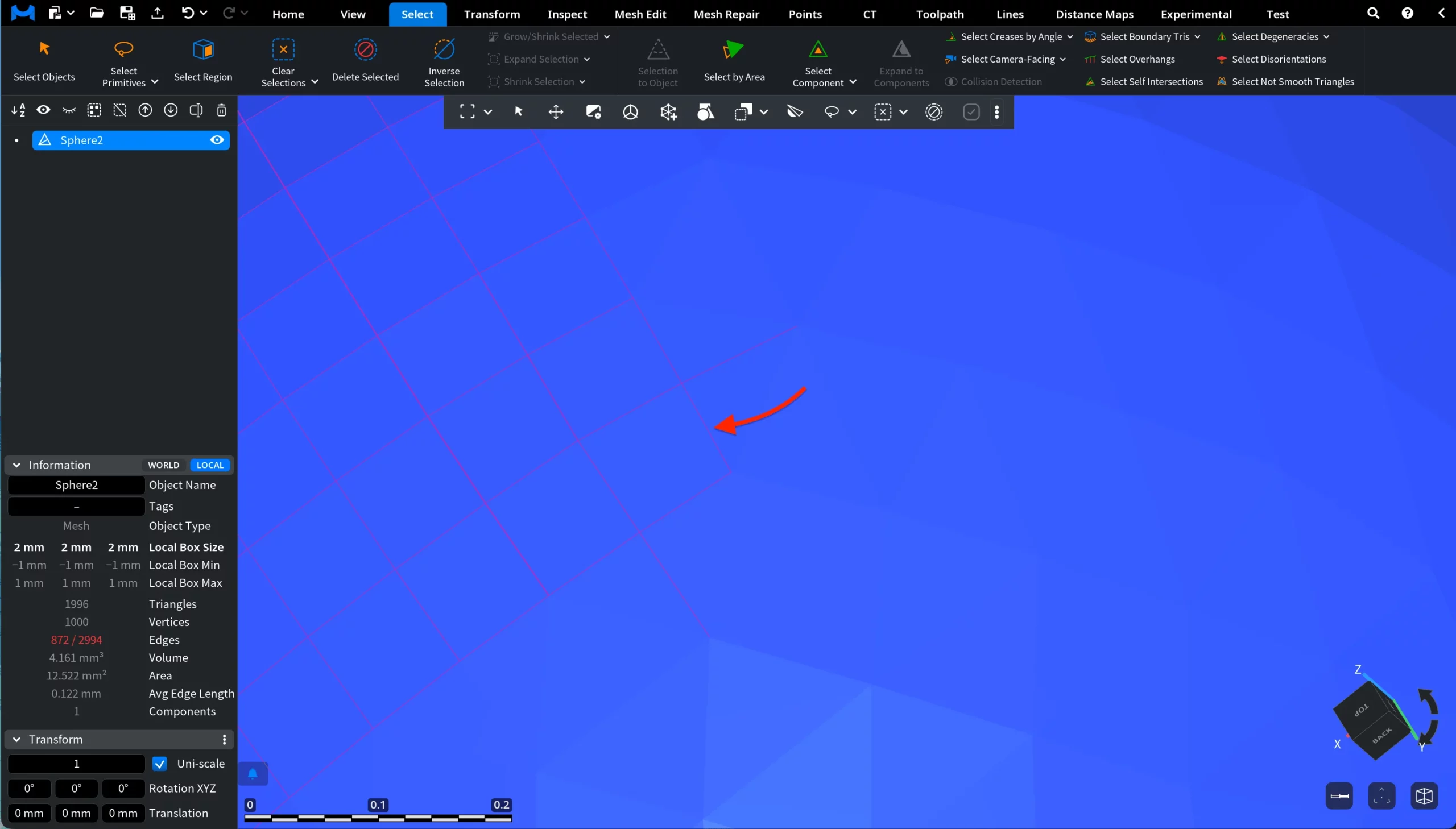
Under the Select tab, click the arrow next to Select Primitives and choose Select Short Edges to select all edges whose length is less than or equal to a specified value.

This opens a dedicated panel where you can specify the maximum edge length threshold for the edges to be selected, either by entering the value manually or by dragging inside the input field.
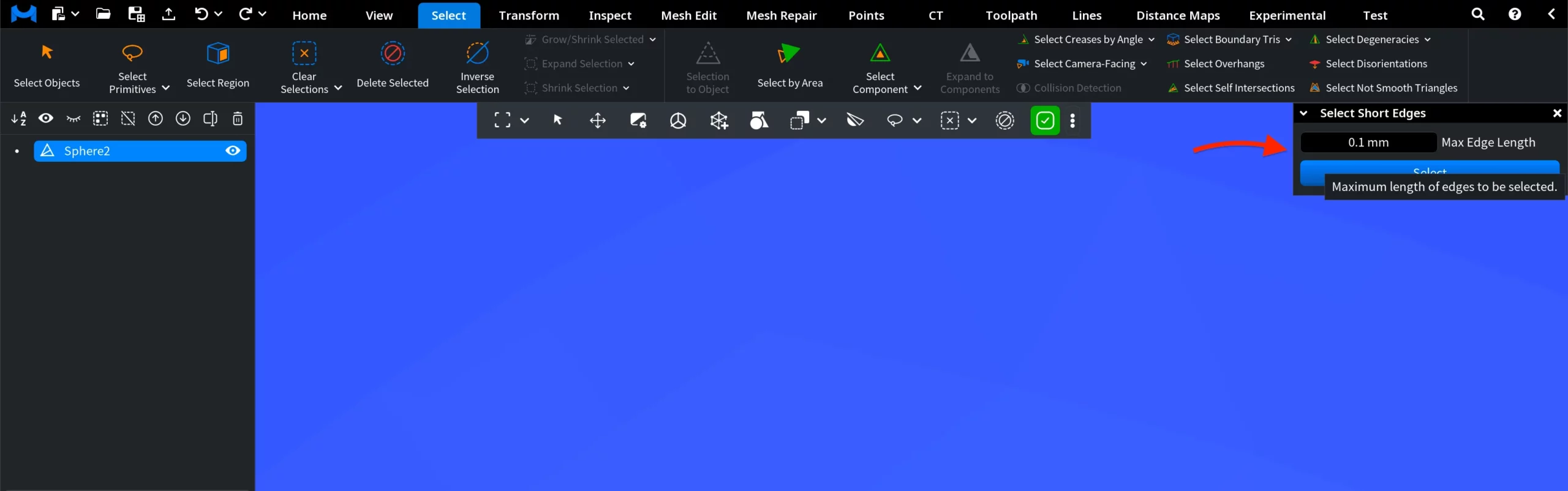 After you click Select, MeshInspector automatically selects all mesh edges whose length is less than or equal to the specified threshold. All matching short edges become highlighted in the current selection color.