
Select Self Intersections selects the triangles of a mesh that cut through other triangles of the same mesh. It can also select inner parts of the surface and overlapping triangles. Use it to see where a model intersects itself before you repair it or 3D print it. To find where two different meshes intersect, use Collision Detection instead.
Select self-intersecting triangles
- Select the mesh in the scene list.
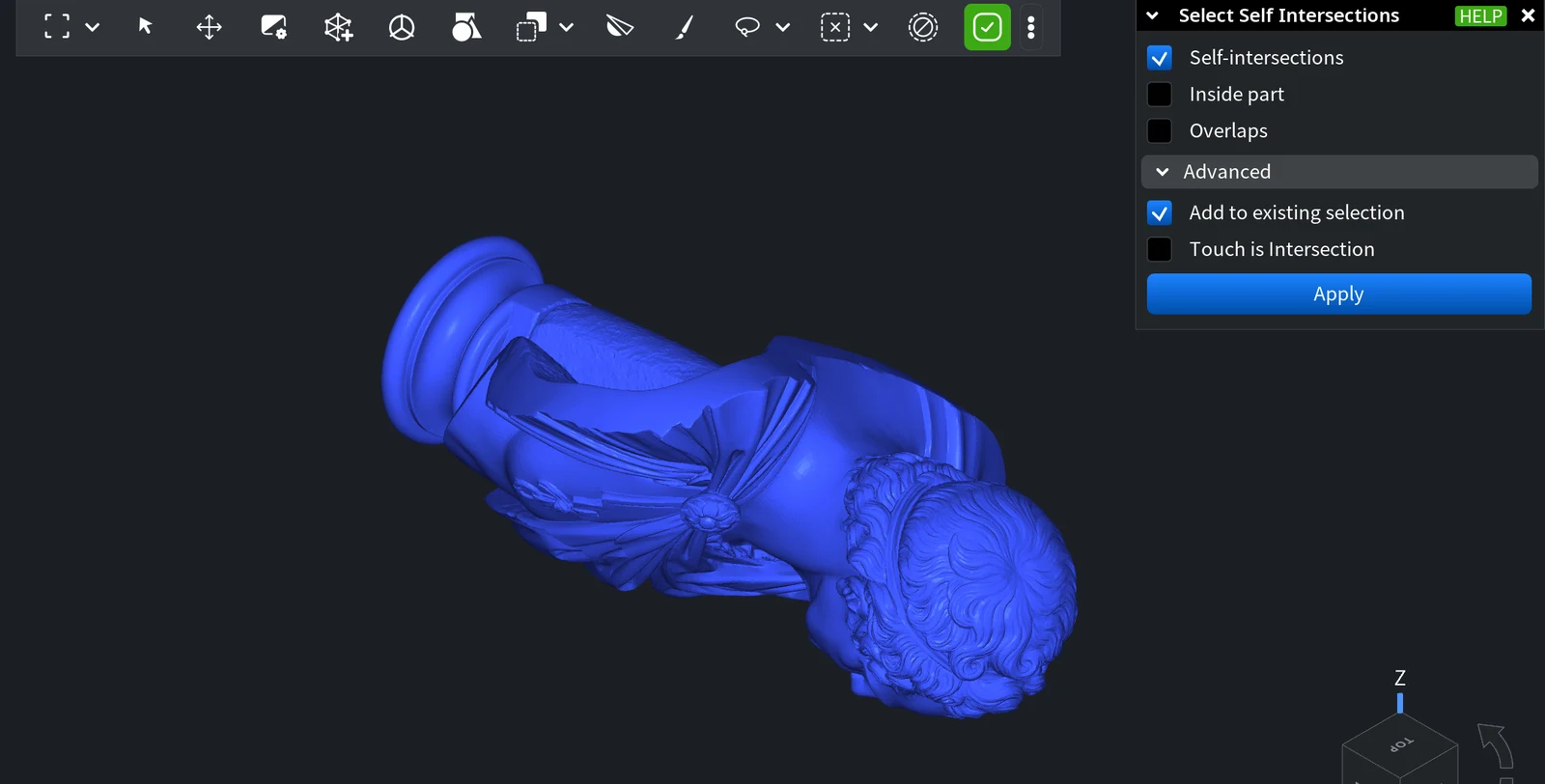
- Click Select › Select Self Intersections.
- Choose what to look for (see the table below) and click Apply or press Enter.
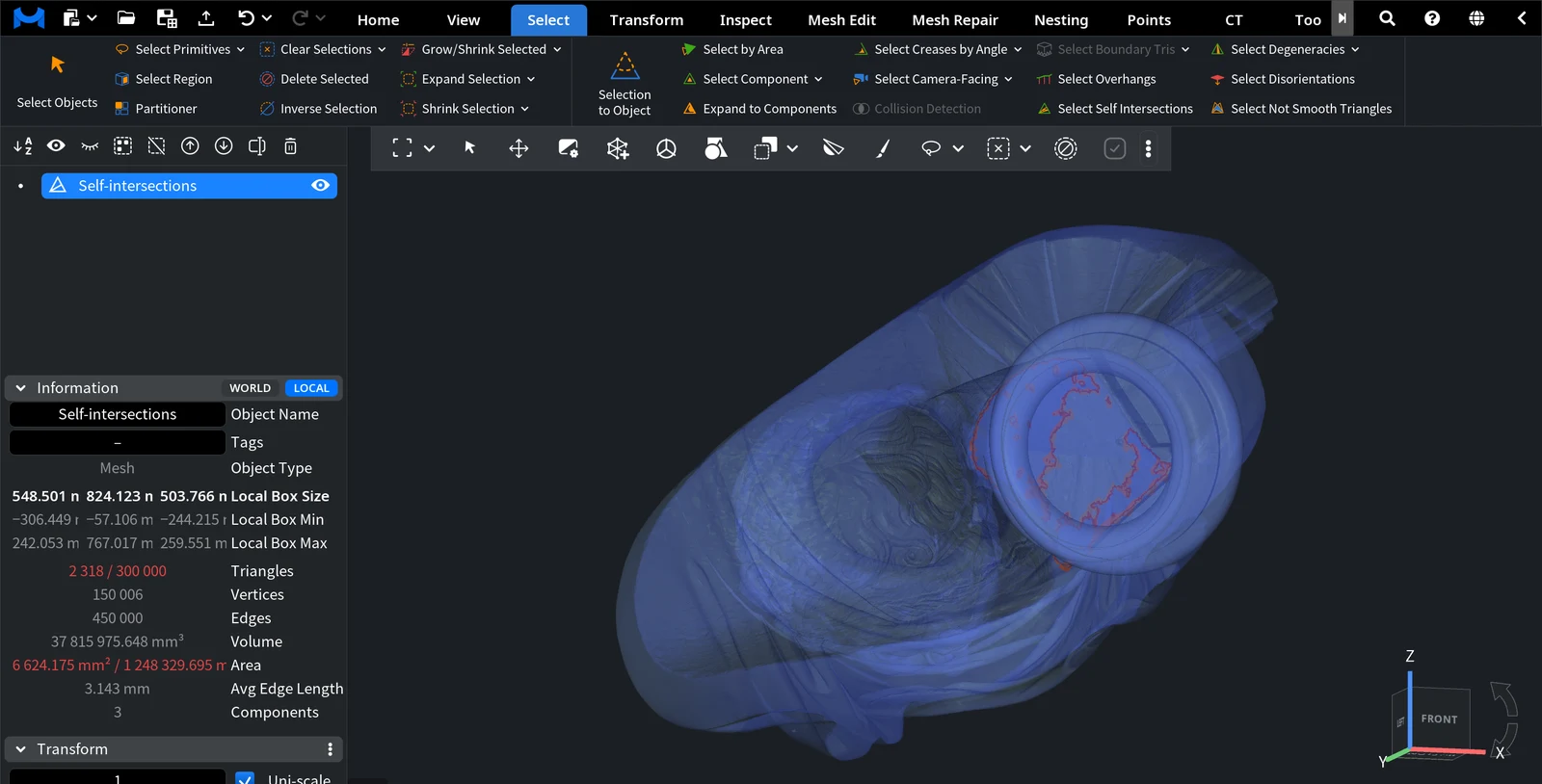
MeshInspector selects the found triangles, and the panel closes. The Information panel shows how many triangles are selected: on this statue model, the default settings select 2 318 of 300 000 triangles. Many of them can be hidden inside the model; in the image below, the model is shown semi-transparent to reveal them.
Options
| Option | What it selects | Default |
|---|---|---|
| Self-intersections | Triangles that intersect other triangles of the mesh. | On |
| Inside part | Triangles located inside the surface rather than on its outer side, for example the walls of a part that is pushed into another part of the same mesh. | Off |
| Overlaps | Triangles that have an oppositely oriented triangle very close by, for example two copies of a surface lying on top of each other. | Off |
| Add to existing selection (under Advanced) | Adds the found triangles to the current selection. Turn it off to replace the selection. | On |
| Touch is Intersection (under Advanced) | Also selects triangles that only touch one another. Shown when Self-intersections is on. | Off |
Apply is shown only when at least one of the first three options is on.
Repair the selected areas
- Fix self-intersections with the Self-Intersections check of Mesh Healer: it cuts the area out and fills it again, or smooths it.
- If the model has many self-intersections, overlaps or inner parts, rebuild it with Auto Repair Mesh or Rewrap.
- To repair one area by hand, remove the selected triangles with Delete Selected and close the hole with Fill Holes.


