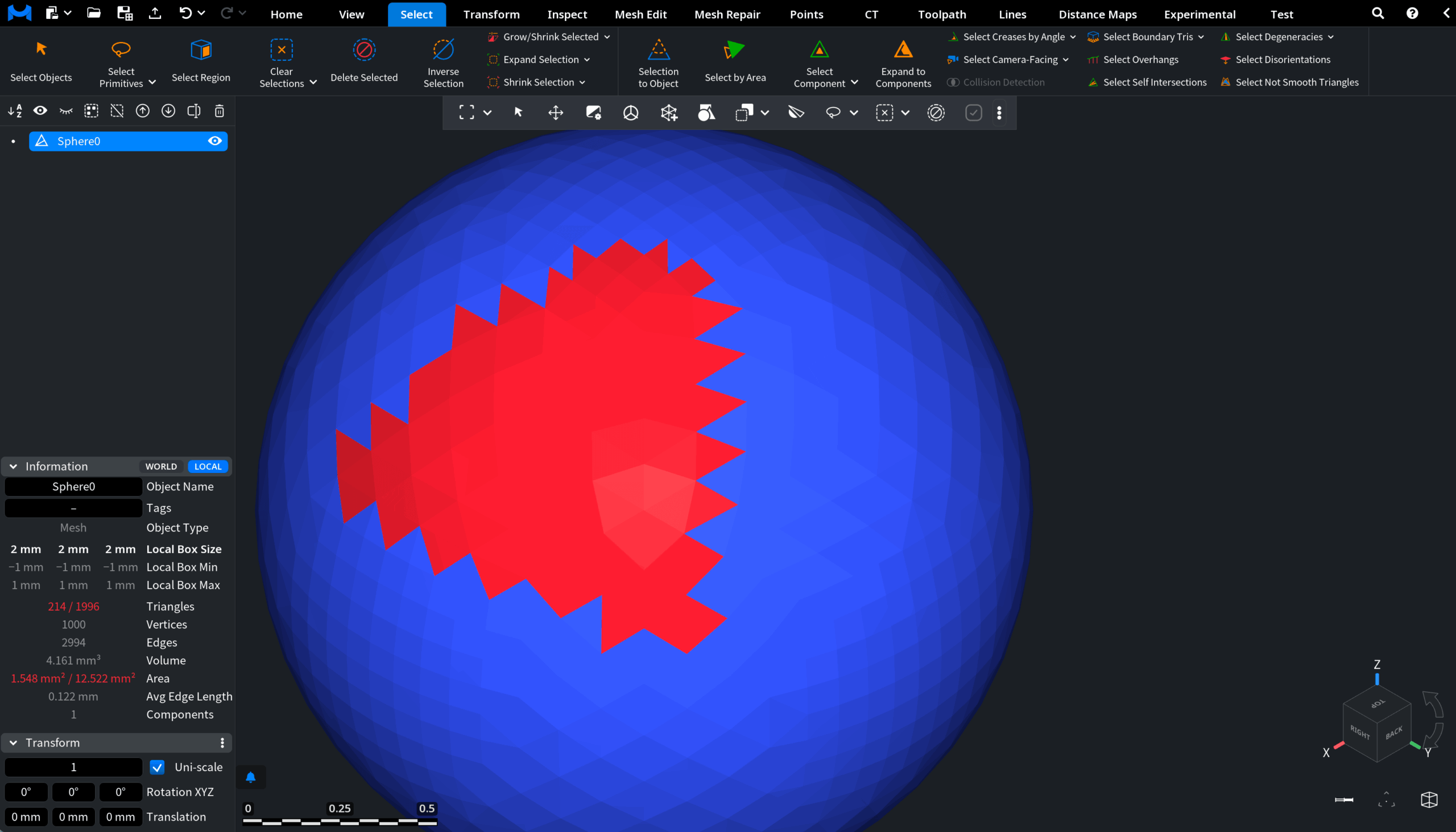
Clicking Shrink Selection removes one boundary layer of triangles from the current triangle selection.

In the screenshot below, you can see a mesh with several selected triangles.
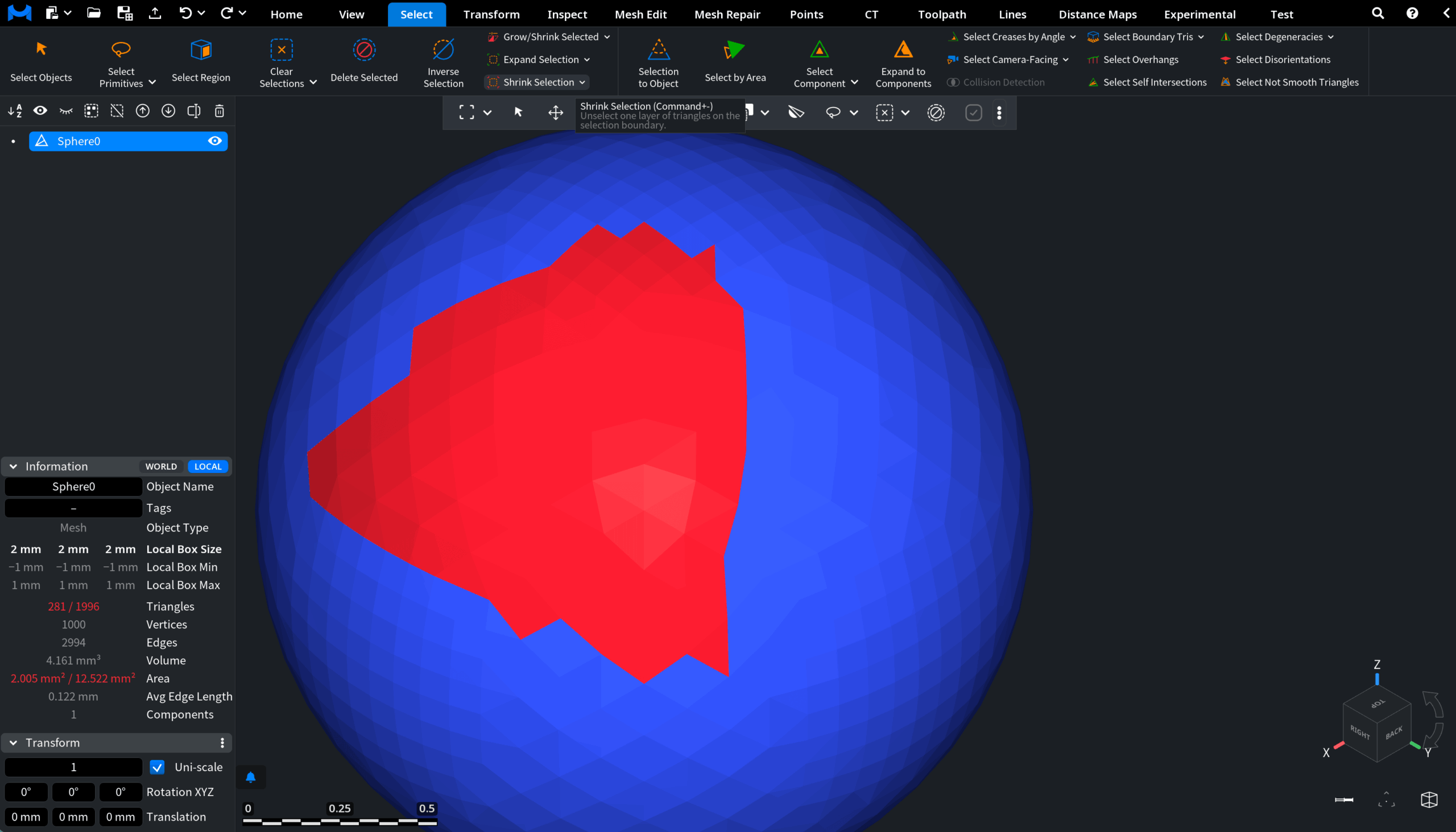
After Shrink Selection is applied, one outer layer of selected triangles is automatically removed from the boundary of the selected area.